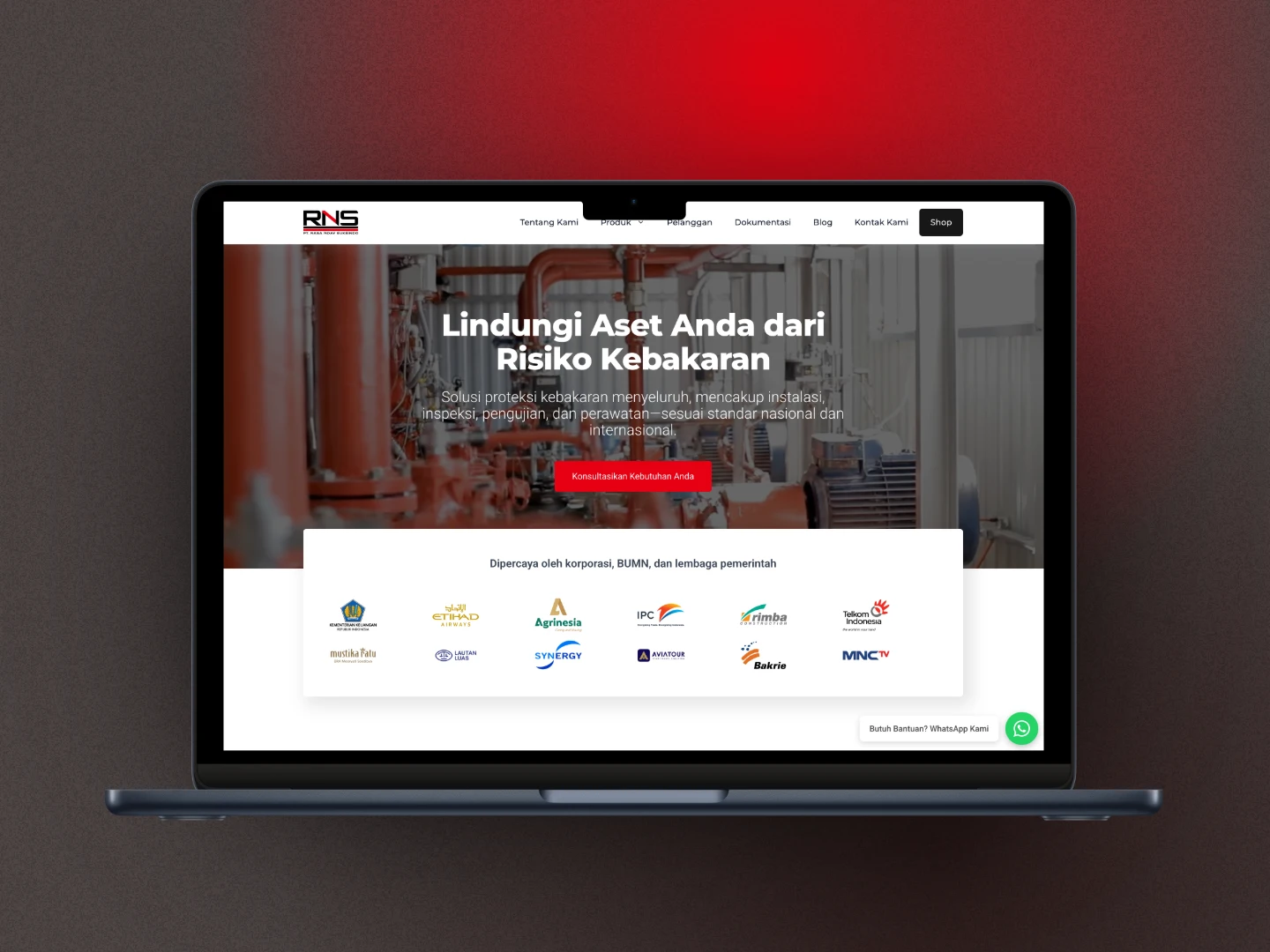
I still remember that a few years ago, when I started Harun Studio, WordPress was the most sensible choice. I had been using WordPress since 2015 and never really thought about learning another stack like Astro.
But AI changed everything. Web technology keeps moving, and with the rapid progress of AI and static site generators, I started asking myself: is WordPress still the best choice for this website?
After a deeper evaluation, I decided to move from WordPress to Astro.js and host the website on Cloudflare Pages. The result? Better performance, a more efficient workflow, and lower cost.
Let me walk through that journey in more detail.
The Starting Point: Harun Studio on WordPress
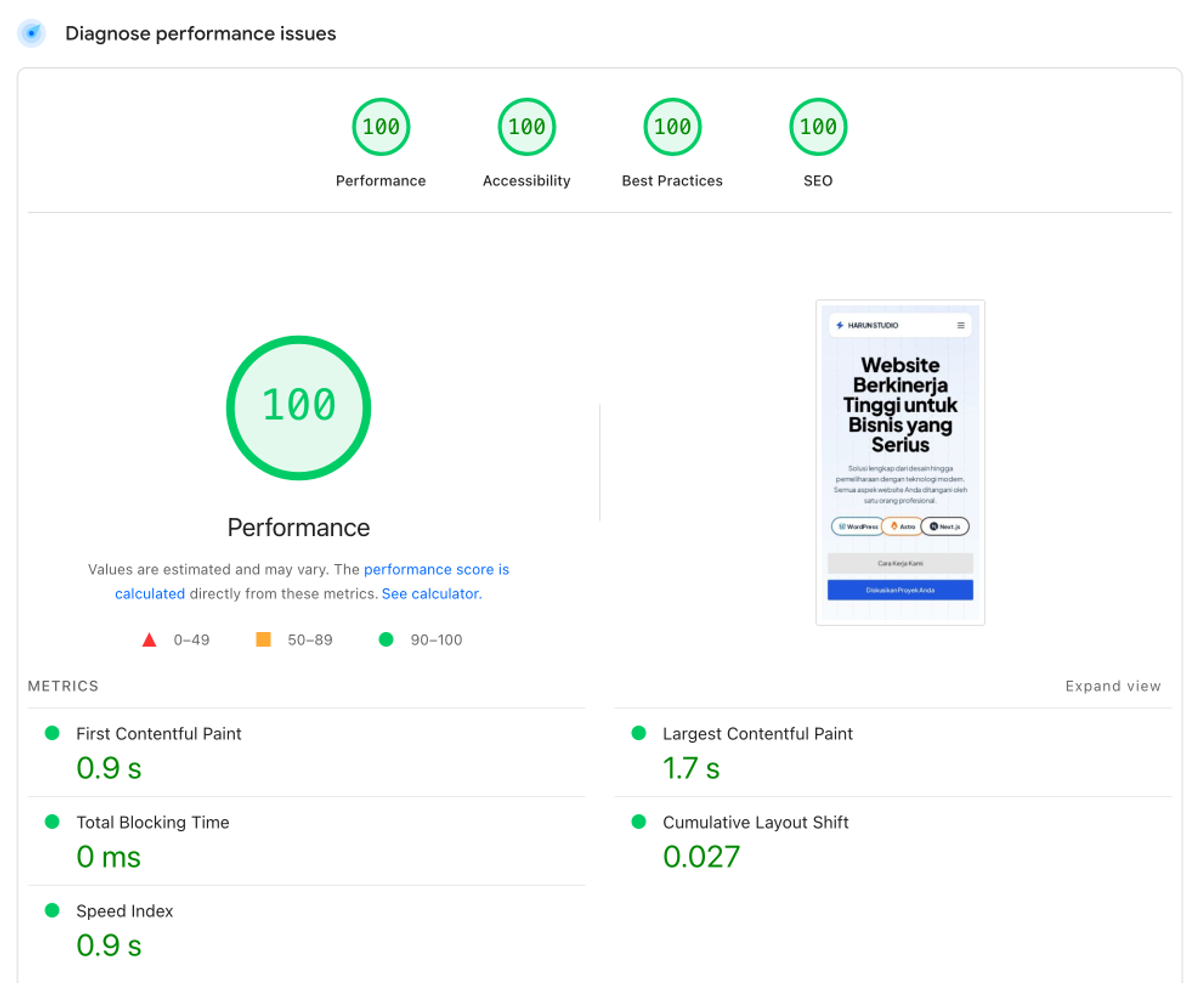
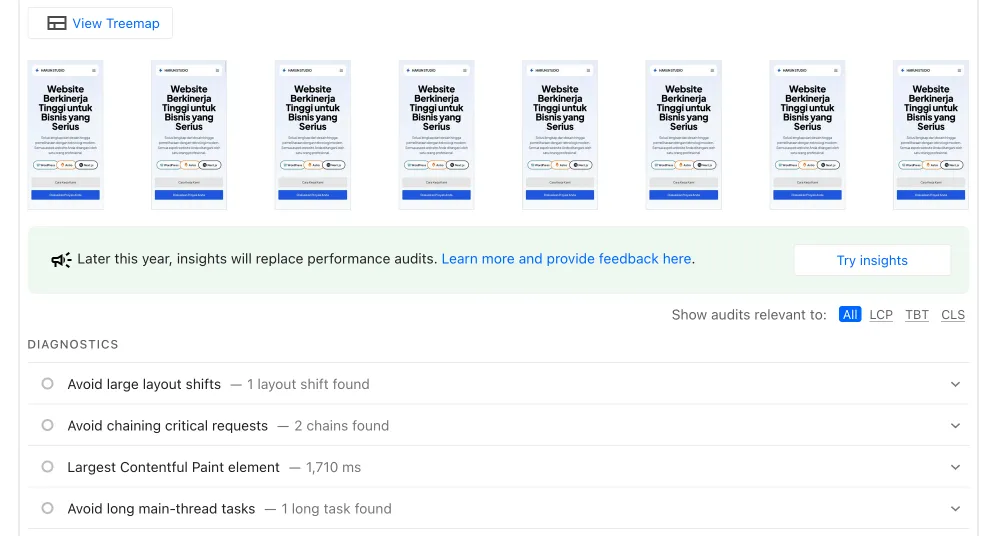
Before the migration, the Harun Studio website was already working well. Honestly, I did not have any major problems with WordPress. I even managed to reach a score of 100 across all PageSpeed Insights metrics: performance, accessibility, best practices, and SEO.
This was the WordPress stack I used:
- Theme: GeneratePress Premium
- Page Builder: GenerateBlocks Pro
- SEO: Slim SEO
- Forms: Contact Form 7
- Email: Bit SMTP
- Security: NinjaFirewall
- Performance: Nginx-Cache, Flying Pages
- Utilities: Debloat, Fluent Snippet, Flamingo
Even though the website was already performing well, I still saw areas that could be improved:
- Complex maintenance: themes, plugins, and WordPress core all needed regular updates.
- Subscription cost: premium theme and plugin cost reached around $149 per year.
- Hosting: I still needed a VPS to get the best performance, which meant around Rp 100,000 per month.
- Workflow: WordPress is user-friendly, but content updates could still be more efficient with a more modern approach.
Why Astro.js?
When I started considering a migration, a few modern frameworks were on my radar, including Next.js. But Astro stood out for several reasons:
- Content-first focus: Astro is designed especially well for content-heavy websites like Harun Studio.
- Partial hydration: Astro only ships the JavaScript that is actually needed.
- Multi-framework support: it stays flexible if I ever need React, Vue, Svelte, or something else.
- Excellent performance: static site generation by default produces very fast HTML.
- File-based routing: simple and intuitive to understand.
- Native Markdown/MDX support: ideal for content workflows.
- A fast-growing community and ecosystem.
- AI-native workflow: as a developer who already uses AI in daily work, Astro fits a prompt-first workflow much better. Drafting articles, editing, design exploration, and building new features all became easier without constantly writing manual CSS, PHP, or JavaScript the old WordPress way.
Why Cloudflare Pages?
Besides Cloudflare Pages, I also considered Vercel and Netlify. But Cloudflare Pages became the final choice because:
- Lower cost: the free tier is already enough for my use case.
- DNS and proxy integration: it works seamlessly with the other Cloudflare services I already use.
- Cloudflare Rules: redirects and request handling are easy to manage.
- Presence in Indonesia: Cloudflare has edge presence close to my audience, which helps speed for local visitors.
- Compatibility: Vercel and Netlify do not recommend putting Cloudflare in front of them, while I wanted to keep using Cloudflare services.
- Reliable uptime: Cloudflare’s uptime is hard to argue with, which matters for business credibility.
The Migration Process
Content Structure Planning
First, I mapped the website structure again to improve clarity:
- Home: remains the main homepage
- Pages: about, contact, and terms
- Blog: all articles inside
/blog/
- Services: all service pages use the
/jasa/ prefix
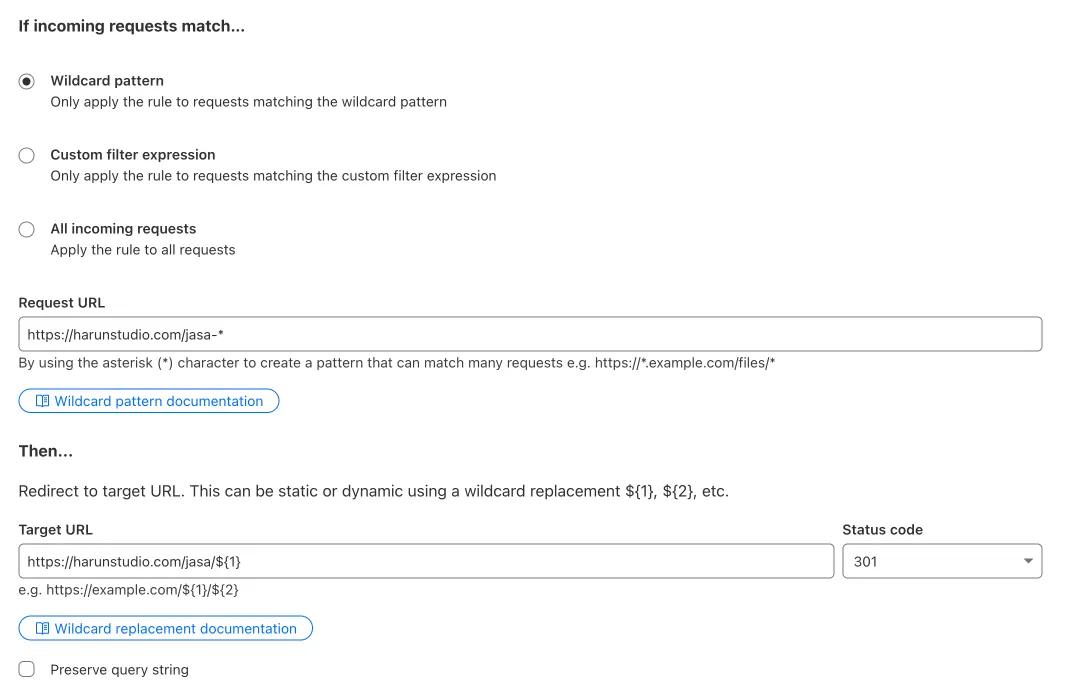
I changed some URLs with SEO in mind. For example, URLs like https://harunstudio.com/jasa-perbaikan-website became https://harunstudio.com/jasa/perbaikan-website. To avoid broken links, I used Cloudflare Rules for redirects.
To speed up the migration, I used:
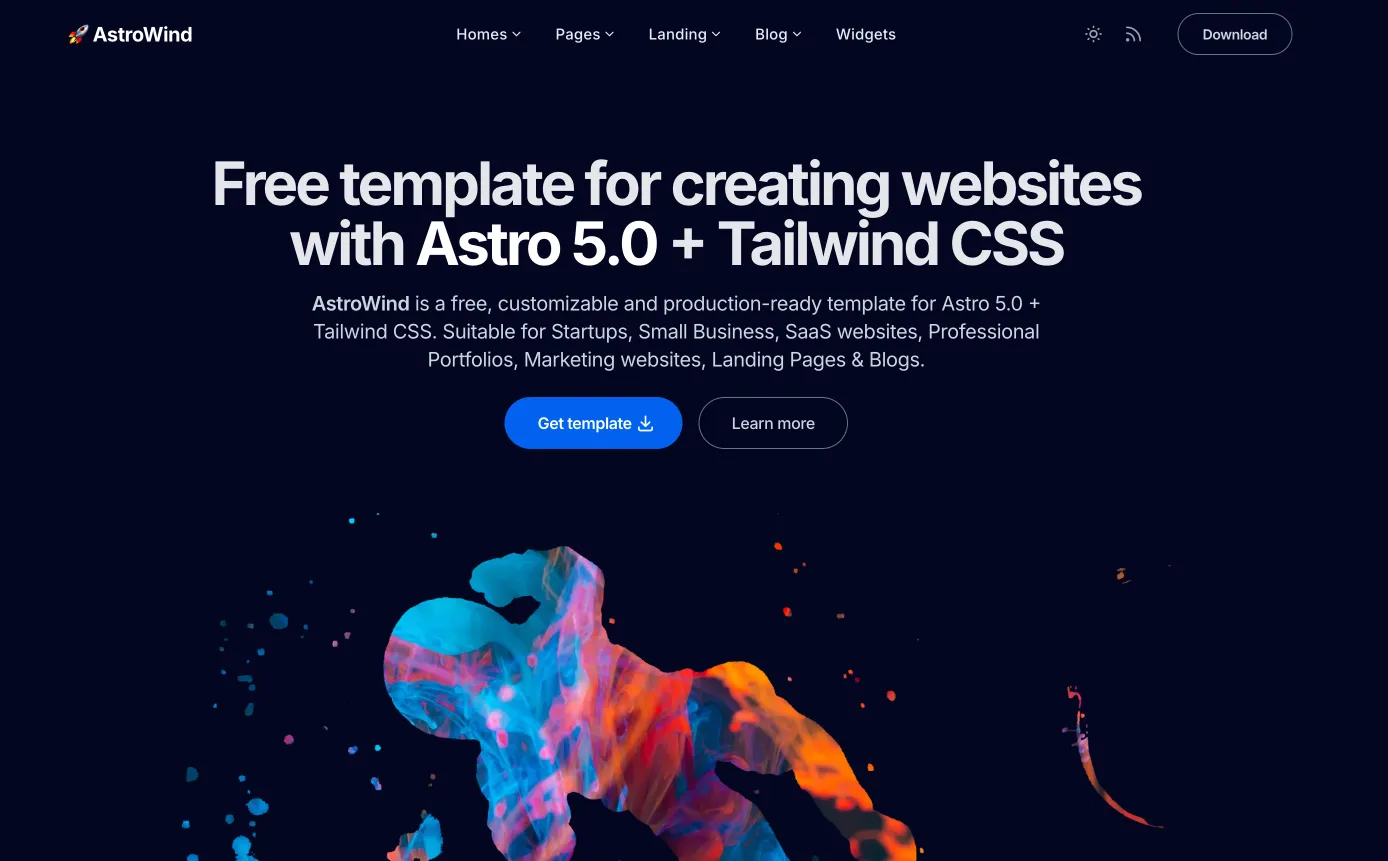
- Astro theme: I started with Astroship, although later I found AstroWind more complete. AstroWind already includes tags, categories, dark/light toggle, and RSS.
- WordPress export: I used WordPress Export to Markdown to convert WordPress content into Markdown.
- Form handling: Web3Forms was enough for contact form handling with 250 submissions per month.
- SEO integration: Astro SEO helped with Open Graph, Twitter Cards, and meta tags.
- AI assistance: Cursor AI with Claude Sonnet 3.7 played a huge role in the development process.
Redesign and Development
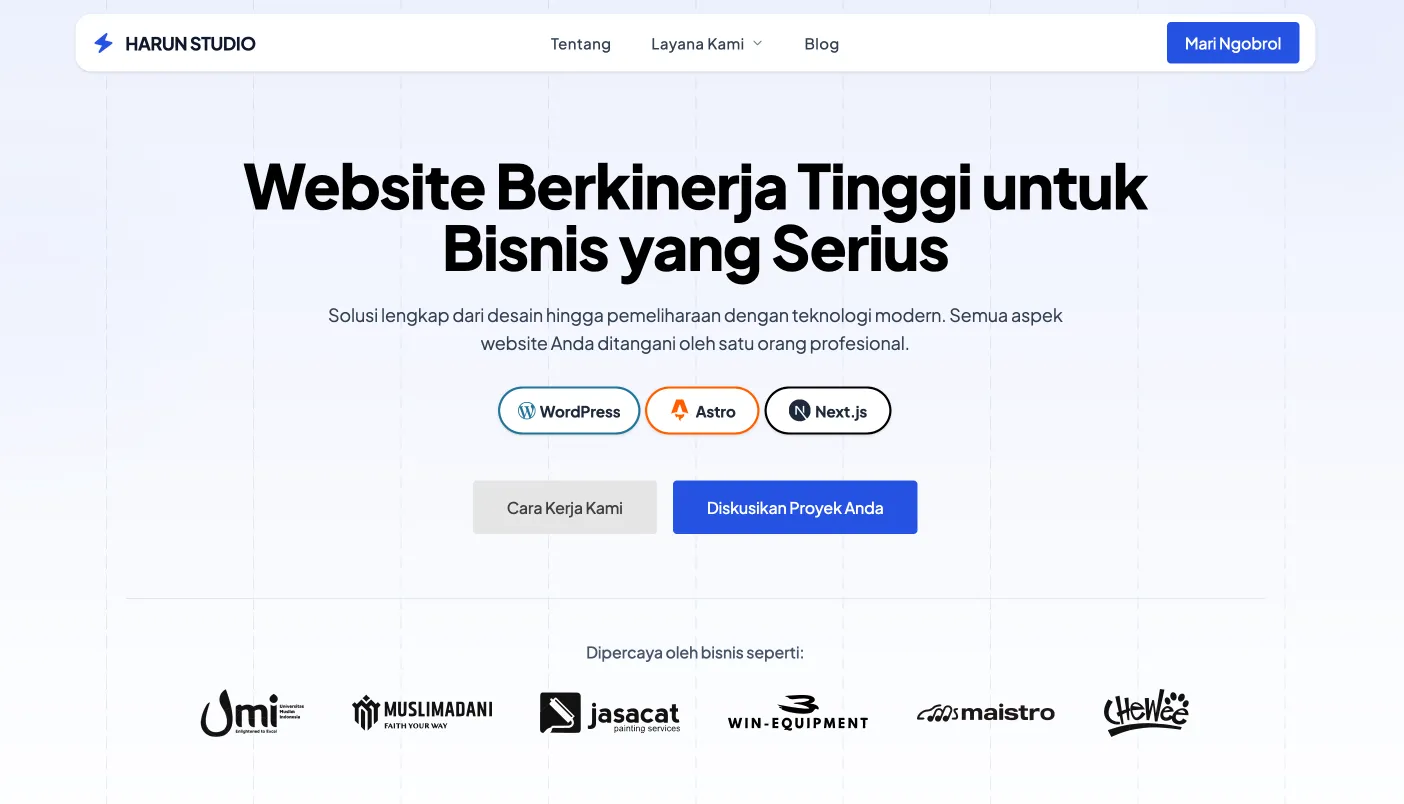
The overall design concept stayed close to the old WordPress website, but with Cursor AI and Claude 3.7 I redesigned several sections across the site. The process turned out to be much faster than I expected. AI produced more than 90% of the code I needed.
The development workflow also became simpler. I worked locally for staging, committed changes to GitHub, and Cloudflare Pages automatically picked them up and rebuilt the site. That workflow reduced mistakes because I could test locally before going live.
One very direct proof of how useful AI became in this workflow is the case study you are reading now. It was written 100% by AI with Claude Sonnet 3.7. I only supplied the relevant context and facts.
Some of the challenges I faced:
- Learning Astro syntax, which is close to HTML but still has its own patterns.
- Shifting from WordPress thinking into component-based thinking.
- Adapting more complex form logic into Web3Forms.
To help Cursor produce more accurate code, I included Astro and Tailwind documentation in my prompts, which improved the process a lot.
Results and Analysis
The difference before and after migration was very visible. Using the Harun Studio homepage as an example:
Before (WordPress):
- 37 requests
- 2.15 MB / 1.59 MB transferred
- Finish: 4.96 s
After (Astro):
- 17 requests
- 527.91 kB / 255.22 kB transferred
- Finish: 0.626 s
That means:
- 54% fewer HTTP requests
- 75% less transfer size
- 8x faster page load time
Cost and Maintenance Efficiency
- Hosting cost dropped from Rp 100,000 per month on a VPS to Rp 0 on Cloudflare Pages.
- No more premium theme or plugin subscriptions.
- Simpler maintenance: no more routine core, plugin, and theme updates.
- Better security by default: static websites are naturally safer because there is no live database or traditional backend surface to attack.
Comparison Table
| Metric | WordPress | Astro | Change |
|---|
| HTTP Requests | 37 | 17 | -54% |
| Transfer Size | 2.15 MB | 527.91 kB | -75% |
| Loading Time | 4.96 s | 0.626 s | 8x faster |
| Maintenance | Complex | Minimal | Simpler |
| Hosting Cost | Rp 100,000/month | Rp 0 | -100% |
| Theme/Plugin Cost | $149/year | Rp 0 | -100% |
Better Productivity
With AI tools like Cursor and Claude 3.7, both development and content updates became much more efficient:
- Blog writing: AI helps with writing and formatting.
- Design and development: UI and UX changes can be implemented much faster.
- Debugging: AI helps identify and fix issues quickly.
- Smooth deployment: GitHub + Cloudflare Pages makes deployment simple and controlled.
The workflow became much more efficient because Cursor + Claude Sonnet 3.7 are now genuinely reliable. In practice, I can focus on direction, quality control, and architecture decisions, while much of the repetitive technical work is delegated to AI. For content, I can prepare the draft and context, then use AI for editing and finalization. For design and features, I can give a clear prompt and iterate until the result feels right.
Astro vs WordPress: When Should You Choose Which?
To be honest, I do not recommend Astro for everyone. Not everyone is comfortable with code or with AI tools like Cursor and Windsurf.
WordPress is still the better choice if:
- you want easier content management and editing
- your team does not have the technical background to manage a code-based site
- you need to change content very frequently and want to do it yourself
Astro is a better fit when:
- you are serious about your business and do not want to spend too much time on website maintenance
- you are already used to delegating development work to a developer
- you want lower long-term maintenance cost
- you want to save hosting cost because platforms like Cloudflare Pages and Vercel are already more than enough for static websites
It is also worth noting that WordPress can still achieve strong performance and pass Core Web Vitals, as long as the stack is lightweight, for example GeneratePress with GenerateBlocks.
What Comes Next
After the migration, a few next steps for Harun Studio are already clear:
- Blog growth: more case studies and tutorials.
- i18n support: multilingual support.
- Web Vitals monitoring: ongoing monitoring for Core Web Vitals.
- Progressive Web App exploration.
Conclusion
Moving from WordPress to Astro.js turned out to be the right move for Harun Studio. With better performance, lower cost, and a more efficient workflow, the website is now in a stronger position to support the business over time.
If you are considering a similar migration, Astro.js is worth serious consideration, especially if your website is content-focused. With modern AI tools like Cursor and Claude, both migration and future development can move much faster.
Harun Studio also provides a WordPress to Astro migration service if you want the benefits of a modern stack without going through the learning curve yourself.
Are you thinking about moving your website from WordPress to a more modern stack like Astro? Or do you have questions about the migration process? Feel free to contact us and we can discuss it further.