

Why Your Website Still Feels Slow Even When PageSpeed Is Green
A green PageSpeed score does not always mean a website is truly fast for real users. Learn why your site can still feel slow even when the test looks good.
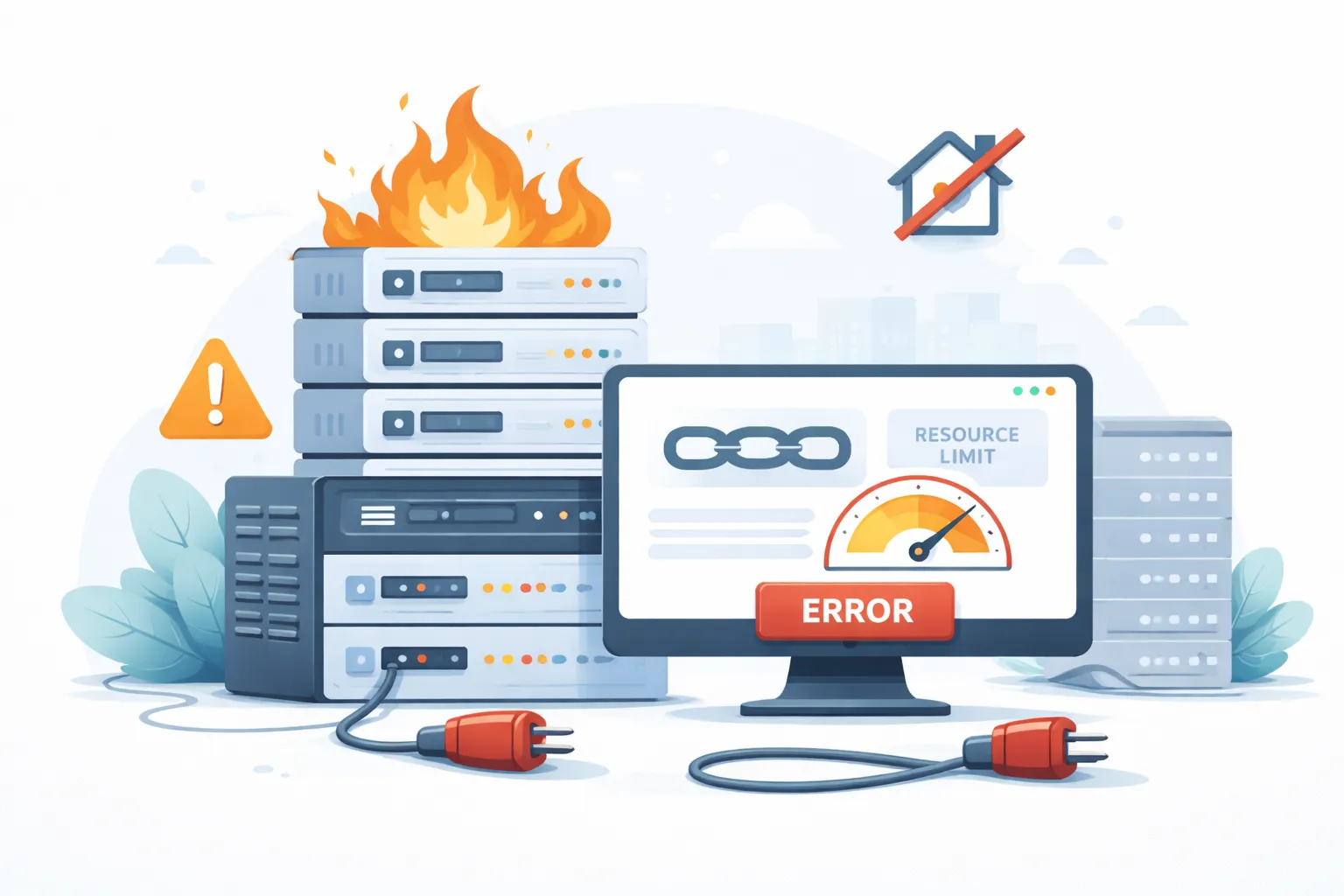
One thing I often see when people try to speed up a website is this:
They keep auditing plugins.
They change themes.
They compress images.
They add caching.
Sometimes they even rebuild the layout.
But the website still feels slow.
If that happens, the main problem may no longer be the theme, plugins, or design. The real issue could be that the hosting foundation no longer fits your website.
And this matters: hosting that used to be enough may not be enough today.
Your website grows. Content grows. Plugins grow. Traffic grows. Business needs change. But hosting often stays in the same place.
That is when the problems start to appear.
If your website feels heavy even after the basic optimizations are done, do not blame WordPress too quickly. Often the real problem is the server foundation. For that kind of need, you can look at website hosting or start with a free consultation.
This is what makes many people notice it too late.
Hosting that no longer fits rarely fails dramatically at the beginning. Your site may still be online. Still accessible. Sometimes it even feels “okay.”
The problems appear slowly:
If several of these things are happening, I usually start looking at hosting as one of the main suspects.
This is one of the most common signs.
In the morning it feels normal. At night it gets heavy. Or when traffic gets busy, the site suddenly slows down even though nothing changed in the content.
When that pattern appears, the issue is often a server resource problem or a hosting environment that is too crowded.
This is very common in shared hosting where many accounts live on the same server.
As a result, your website performance depends not only on your site, but also on the “neighbors” using the same server.
If the site starts slowing down depending on the time of day, that is usually a sign the hosting foundation is no longer stable enough.
You already compress images.
You already have caching.
You already cleaned up plugins.
But the initial loading still feels slow.
In cases like this, I immediately suspect TTFB.
If the server is slow to send the first response, the user will still feel a delay even if the page looks fairly light after that.
That is why some websites get a decent PageSpeed score but still feel slow when opened. I recently discussed this in more detail in the article about a site that feels slow even though the PageSpeed score is green.
If the main problem is server response time, front-end optimization alone is often not enough. A healthier hosting foundation usually makes a much bigger difference.
Many people only focus on the front end.
But one of the most honest indicators is actually in the admin area.
If the WordPress dashboard feels:
that often means your server resources are too tight or the server/database environment is no longer healthy.
Of course, a slow dashboard is not always 100% the hosting’s fault. But if it keeps happening, I would not ignore it.
Because a healthy website should not only be fast for visitors. It should also be easy to manage.
Your site may be fine during normal traffic.
But once:
the website starts throwing errors, timing out, or becoming unavailable for a moment.
If that happens, there are usually two main possibilities:
A business website should have enough breathing room. It should not struggle every time traffic goes up a little.
If even a small increase in traffic makes the system unstable, your hosting may no longer be a fit.
This is not purely technical, but it matters a lot.
Good hosting is not only about CPU, RAM, or storage. Support is part of the foundation too.
I often see situations like this:
If every issue takes too long to resolve, if you have to repeat everything from scratch, or if the answer is not helpful, that is also a sign the hosting service no longer fits your business needs.
Especially if your website is critical to operations, responsive support is not a bonus. It is a basic requirement.
This is usually the biggest frustration point.
You feel like you have already done a lot:
but the improvement is still tiny.
At that point, I usually ask:
Are we fixing symptoms while the real bottleneck is actually in the hosting foundation?
Because if the bottleneck is on the server side, you can keep optimizing the top layer, but the result will still hit a ceiling.
In that case, moving to a healthier foundation often makes far more sense than continuing to patch the same setup.
This happens more often than people realize.
Maybe the website used to be:
Now the situation may be very different:
But the hosting plan is still the same as when the site was first built.
That is where the mismatch happens.
A plan that was enough for a small website may not be enough for a website that has grown. And if your business depends on the website more now, the hosting foundation needs to level up too.
If I see a combination like this:
then I would seriously consider that the hosting is no longer a fit.
That does not mean every problem must be solved by changing hosting.
But if the symptoms clearly point to the foundation, then forcing yourself to stay on the old hosting usually just wastes time.
If you start suspecting that hosting is the bottleneck, I recommend this order:
That approach is much safer than guessing.
A hosting problem does not always show up as a website that is completely down.
Often the signs are more subtle:
If several of these signs are already showing up, do not treat them as small issues.
Because no matter how good your theme, plugins, or front-end optimization are, the result will be limited if the hosting foundation can no longer support the website.
If you want to map out whether the problem is really in hosting, you can look at website hosting or contact me.

Founder of Harun Studio, web developer, blogger, and hosting reviewer. He helps business owners build healthier websites through design, development, and long-term maintenance.
Explore more insights that connect closely with this topic.
A green PageSpeed score does not always mean a website is truly fast for real users. Learn why your site can still feel slow even when the test looks good.
Discover 5 fast and effective ways to speed up WordPress, from premium hosting to lazy loading, and improve performance dramatically.
A fast website does not always need a PageSpeed score of 100. Learn the difference between Core Web Vitals and PageSpeed Insights, why people often misunderstand them, and how to read performance metrics more accurately.