
Starting Point
Old site lost, no backup available
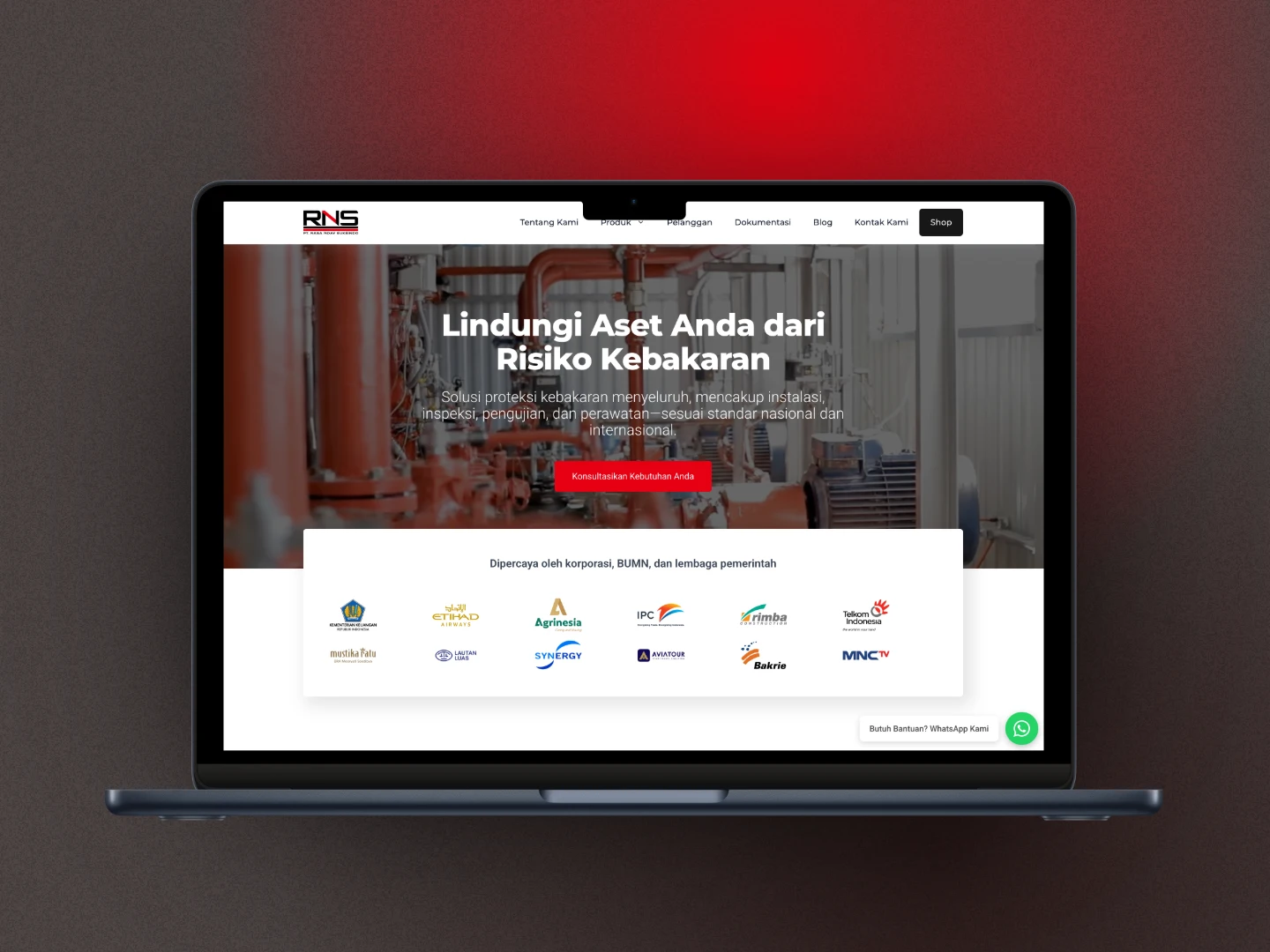
This case study did not start with a normal redesign. It began with an emergency: the old website could no longer be restored because the hosting and domain had not been renewed for too long, and there was no backup available.
The rebuilt website was hydrantsystem.co.id, which continued the earlier site from firesystem.co.id.
Starting Point
Old site lost, no backup available
Solution
Full rebuild from scratch
Core Stack
GeneratePress + GenerateBlocks
Desktop PageSpeed
100 / 98 / 100 / 92
If your old website is already gone from the server and there is no backup, let’s discuss it first via a free consultation so we can choose the right recovery and rebuild path.
On June 10, 2024, the PT Rasa Nday Suksindo team contacted me because their website, firesystem.co.id, was showing a problem after migration to Hostinger: every page except the homepage returned a 404 Not Found error.
This is a classic WordPress issue and is often related to permalink configuration or rewrite rules. After the client explained the symptoms, I was able to fix it within minutes.
The client contacted me again on October 29, 2025 to reactivate the website that had been inactive because the domain and hosting were no longer renewed.
The challenge was straightforward:
That meant restore was no longer an option. The only realistic path was to rebuild the website from scratch.
After a call discussion, we agreed on a full rebuild, I prepared the proposal, and then the rebuild work began.
The main stack I used was:
The reason was the same as in most of my projects: lightweight, flexible, and much easier to maintain long term compared with a heavy stack.
To improve the first impression on the homepage, I used Gemini AI to generate a short video for the hero area. That made the opening section feel more alive without adding unnecessary heavy elements.
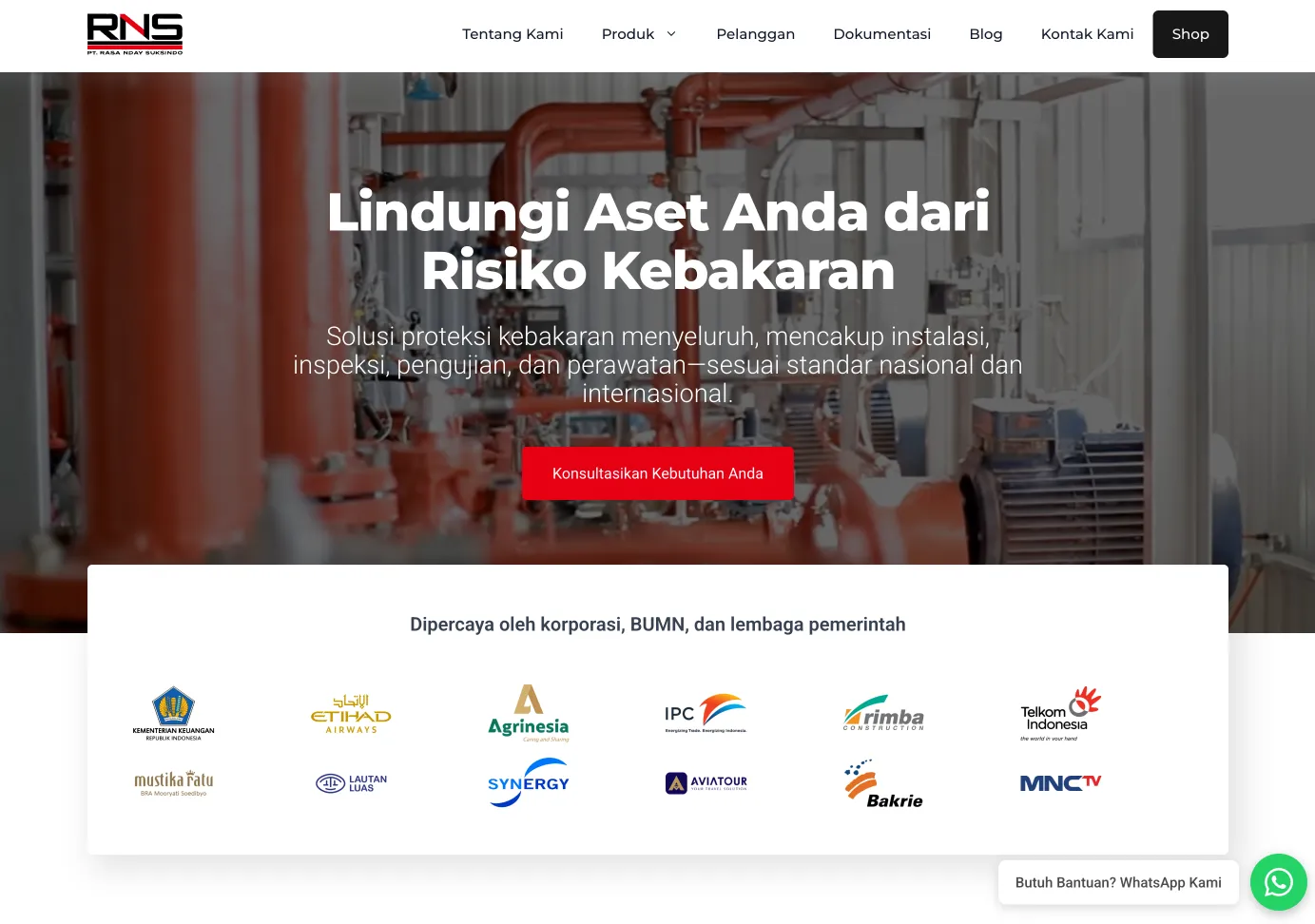
One of the most important decisions in this project was not to use WooCommerce for the product catalog.
Why?
Instead, I built the shop and single-product pages using:
This kept the experience looking professional while making the architecture lighter and better aligned with the actual business need.
The project used these plugins:
Carousel Slider Block
For rotating testimonials, video documentation, and photo galleries.
Fluent Snippets
For custom snippets.
GenerateBlocks
As the main page builder.
GP Premium
For extra GeneratePress Pro features.
LiteSpeed Cache
Chosen because Hostinger uses LiteSpeed Web Server, so it was the most sensible cache option.
NinjaFirewall (WP Edition)
For an additional security layer.
Safe SVG
For SVG logo assets.
Secure Custom Fields (SCF)
For custom post types and custom fields.
Slim SEO
Lightweight SEO plugin that fit the project’s needs.
WA Floating Chat
Our internal plugin for a floating WhatsApp chat widget.
WC Product Gallery
For the single-product gallery so it still felt similar to a WooCommerce experience, while the data was managed through custom fields.
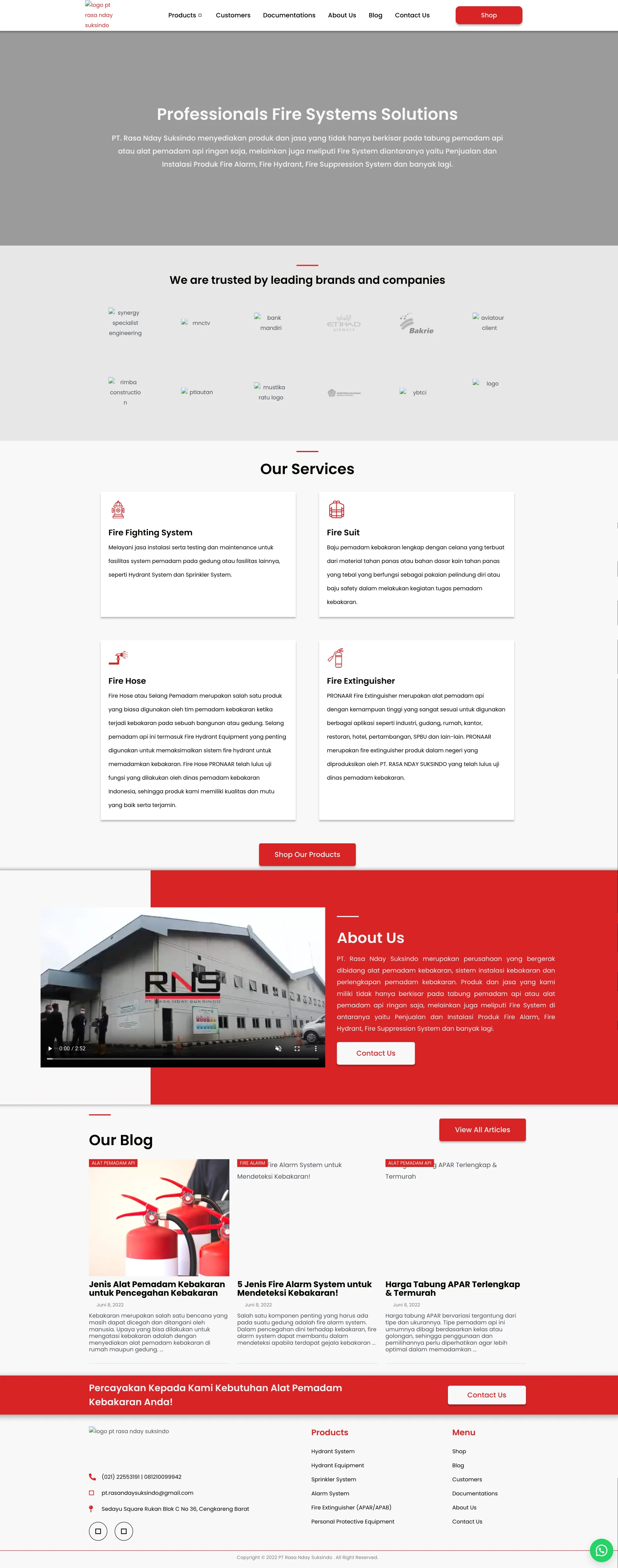
Old homepage before:
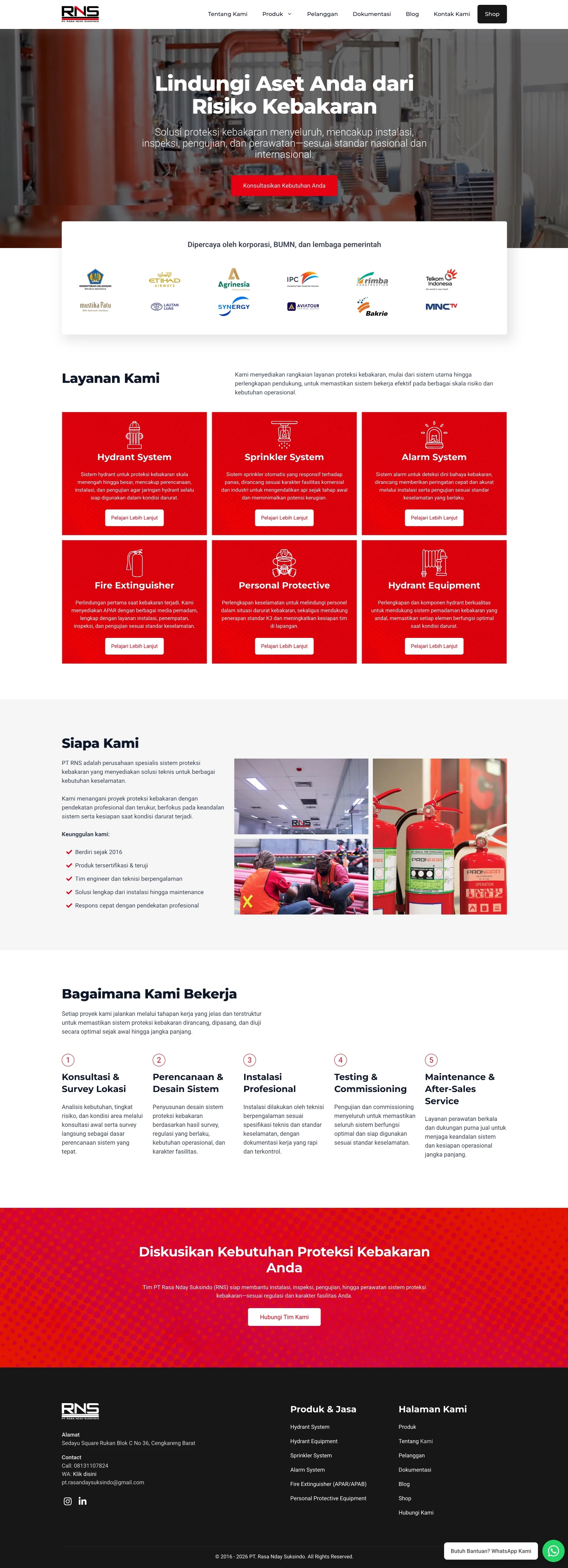
New homepage after:
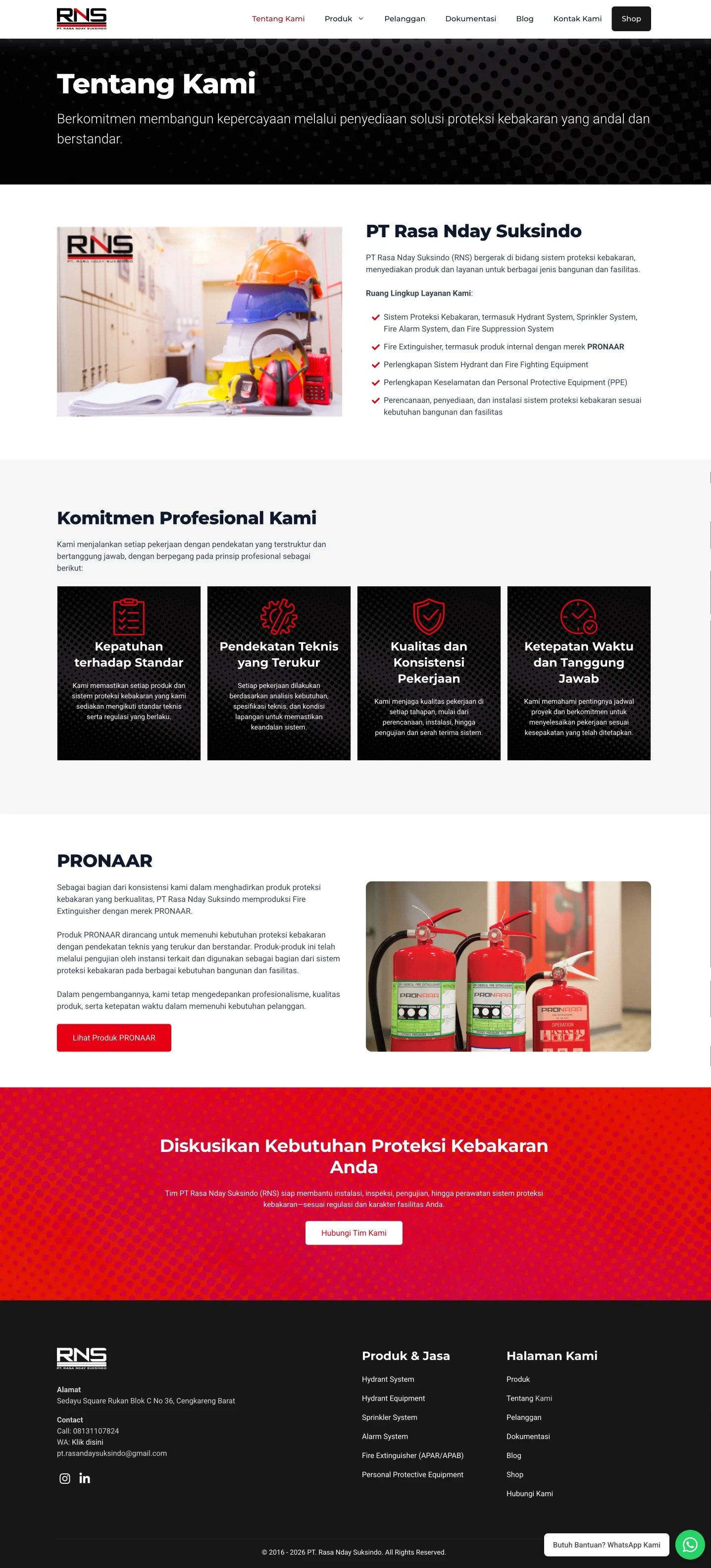
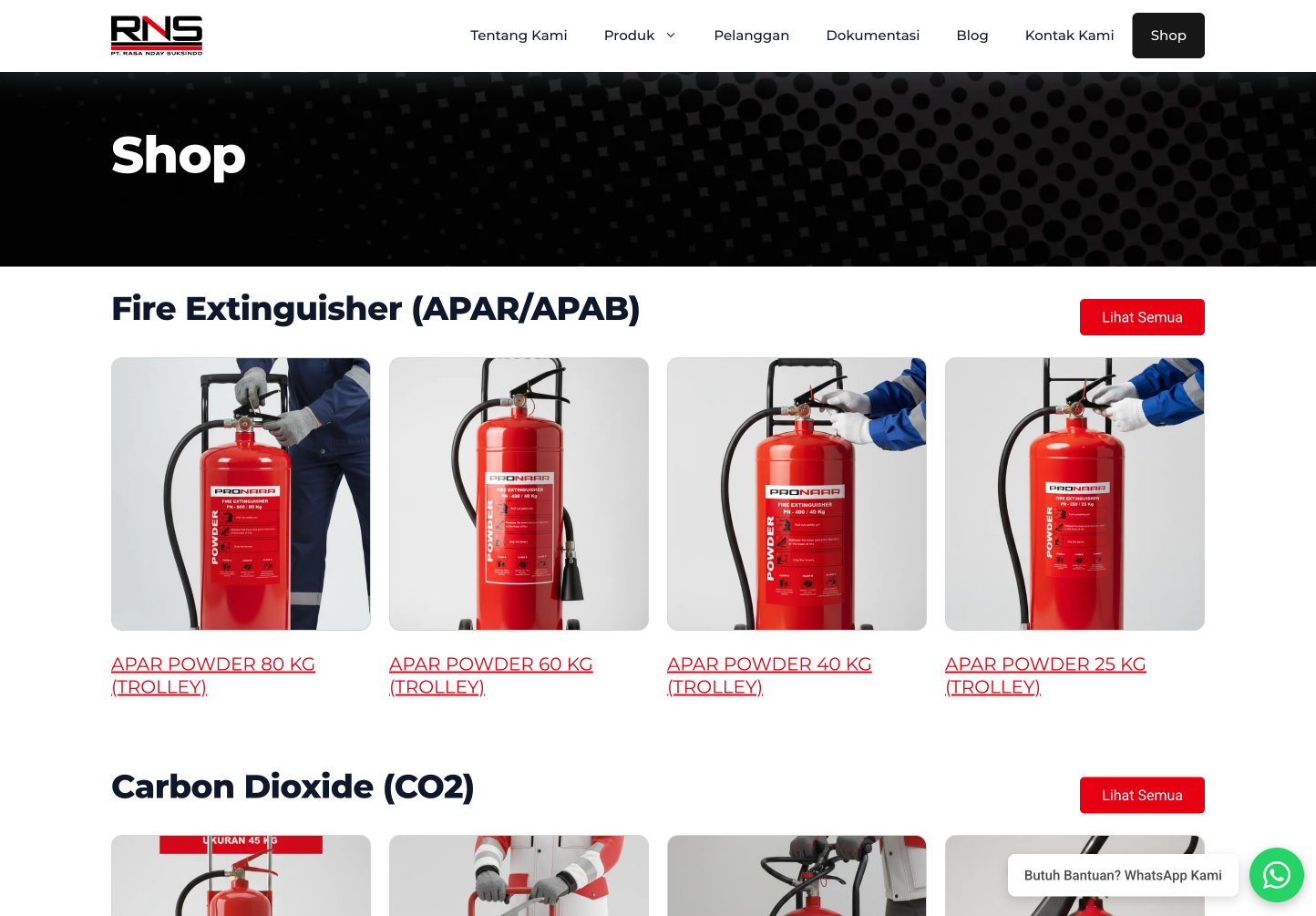
Desktop PageSpeed results:
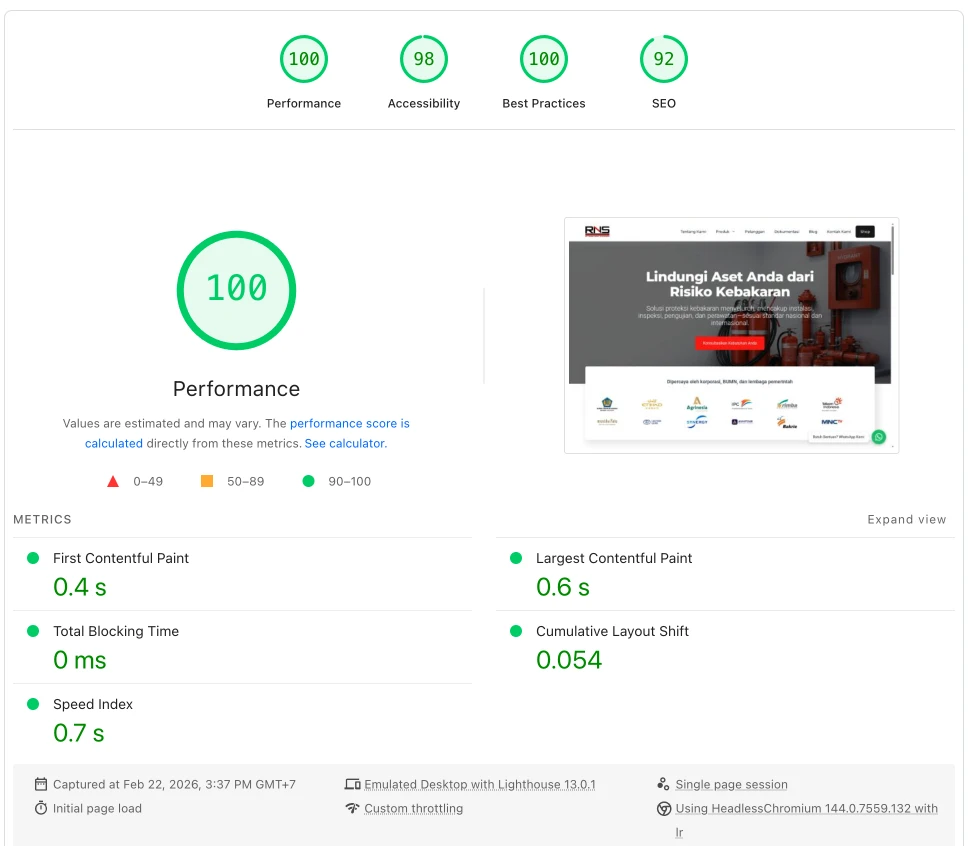
After the rebuild:
If your website can no longer be restored, or if you want to rebuild it with a lighter and more maintainable stack, we can start with a needs audit first.
You can also explore our website development service and custom WordPress plugin service depending on the project scope.

Founder of Harun Studio, web developer, blogger, and hosting reviewer. He helps business owners build healthier websites through design, development, and long-term maintenance.
Explore more insights that connect closely with this topic.

A case study on PT Zumatic: mobile performance improved from 53 to 93 and desktop from 81 to 100 through technical auditing, WordPress performance optimization, and a much simpler content workflow.

A case study on the migration of Penasihat Hosting: from a WordPress setup that was actually still solid to Next.js 16 + PostgreSQL for long-term flexibility, a custom CMS, tool pages, and a more scalable product foundation.
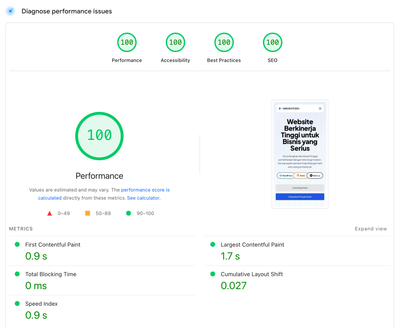
How we made the website load 8x faster, reduced hosting cost by 100%, and simplified the workflow by moving from WordPress to Astro.js.