
5 Fundamental Principles for a Sustainable WordPress Website
Discover five core principles for building a WordPress website that is sustainable, resilient, and ready to adapt to future technology changes.
Have you ever wondered what comes next after installing WordPress or after your website is finally finished?
Many website owners, especially beginners, feel confused at that stage.
Or maybe you have experienced the frustration of your WordPress website suddenly becoming painfully slow, getting infected with malware, being hacked, or turning recovery into a headache.
These are not rare problems. Even website owners with experience run into them.
Note: If your website is already in trouble and you need quick action, our technical support team can help before the damage spreads further.
And of course, nobody actually wants to deal with those situations.
The best way to reduce that risk is simple: maintain your WordPress website properly and consistently.
First things first:
Imagine you own a sports car you really care about. You would not just drive it forever without checking anything, right?
You would do regular tune-ups, oil changes, and occasional checks on the tires and brakes. Website maintenance works the same way.
Website maintenance is the process of keeping the website healthy. That includes regular updates, security improvements, fixing errors, and making adjustments needed to keep the site functioning properly.
If you skip maintenance, performance can slowly decline and the website becomes more exposed to threats. In other words, website maintenance is how you take care of the long-term health of the site.
When done properly, it helps reduce the risk of failure and makes the website much more useful over time.
You might ask:
Why should I bother maintaining my WordPress website?
Fair question.
You have already designed the site, launched it, maybe promoted it, and finally got it online. That feels like the finish line.
But in reality, launch is not the end of the work.
If you want the website to stay useful, maintenance is unavoidable, unless you want to treat the website like an item stored and forgotten in a warehouse.
There are several main reasons maintenance matters:
The real question is not whether maintenance matters. It is how you should handle it.
There are three common approaches:
Each option has strengths and weaknesses.
At first, plugins sound easy. Install them, configure them, and let them do the work.
In practice, it is not quite that simple. You still need to understand how the plugins should be configured and which ones are appropriate for your site.
If you browse the WordPress plugin ecosystem, you will find many options for maintenance:
Each one has benefits and limitations.
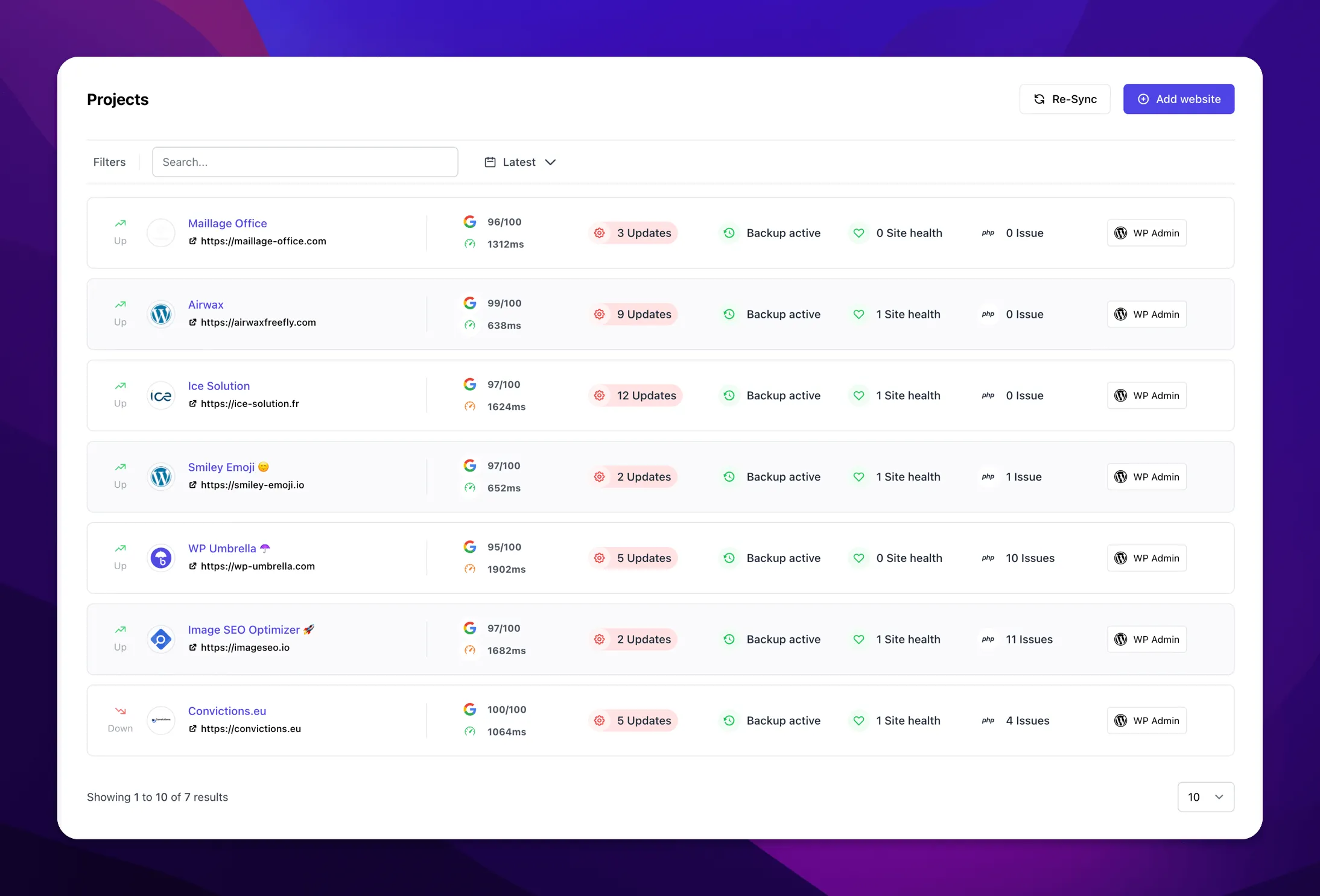
The important thing to remember is that no single plugin handles every maintenance need perfectly. In practice, you often end up combining several tools.
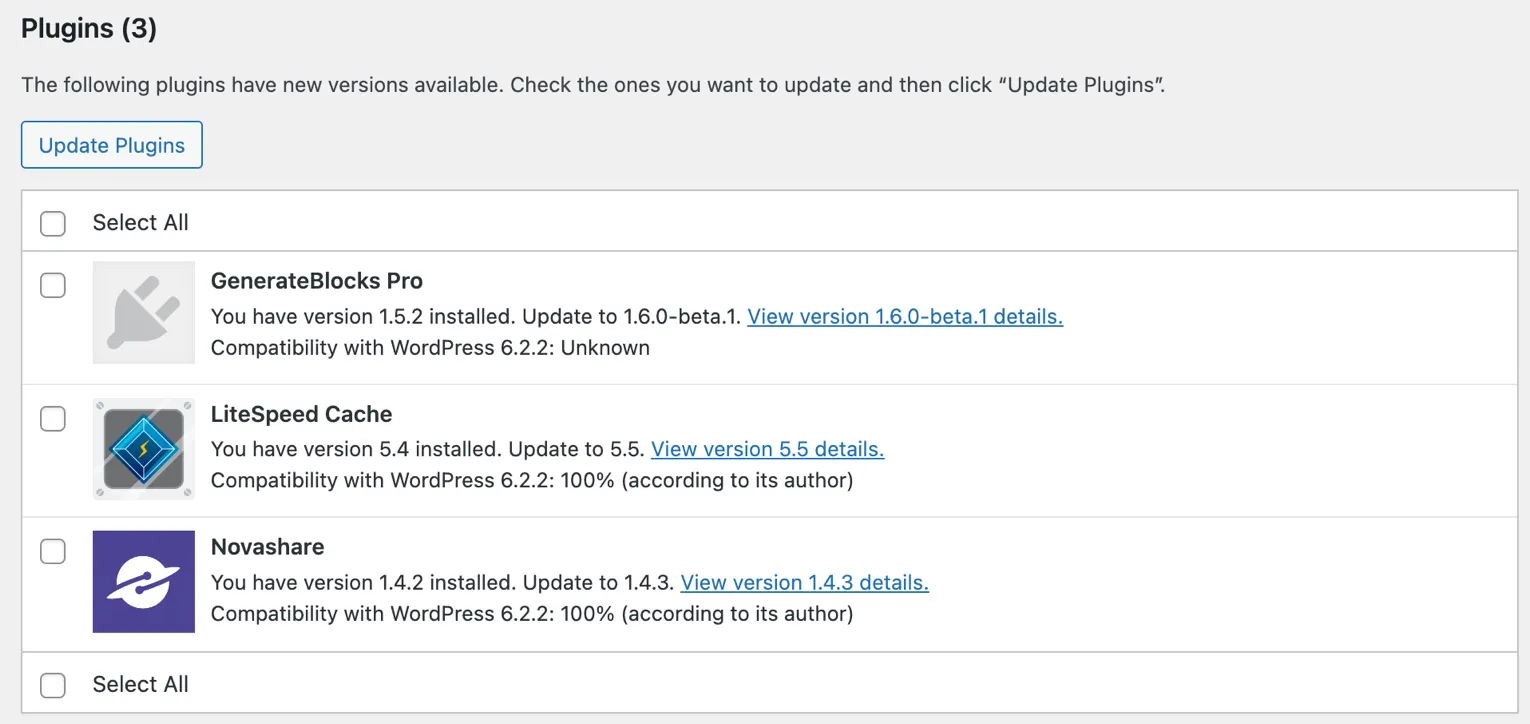
If you have technical knowledge, or at least the willingness to learn, manual maintenance can be a good option. It gives you full control.
Typical manual tasks include:
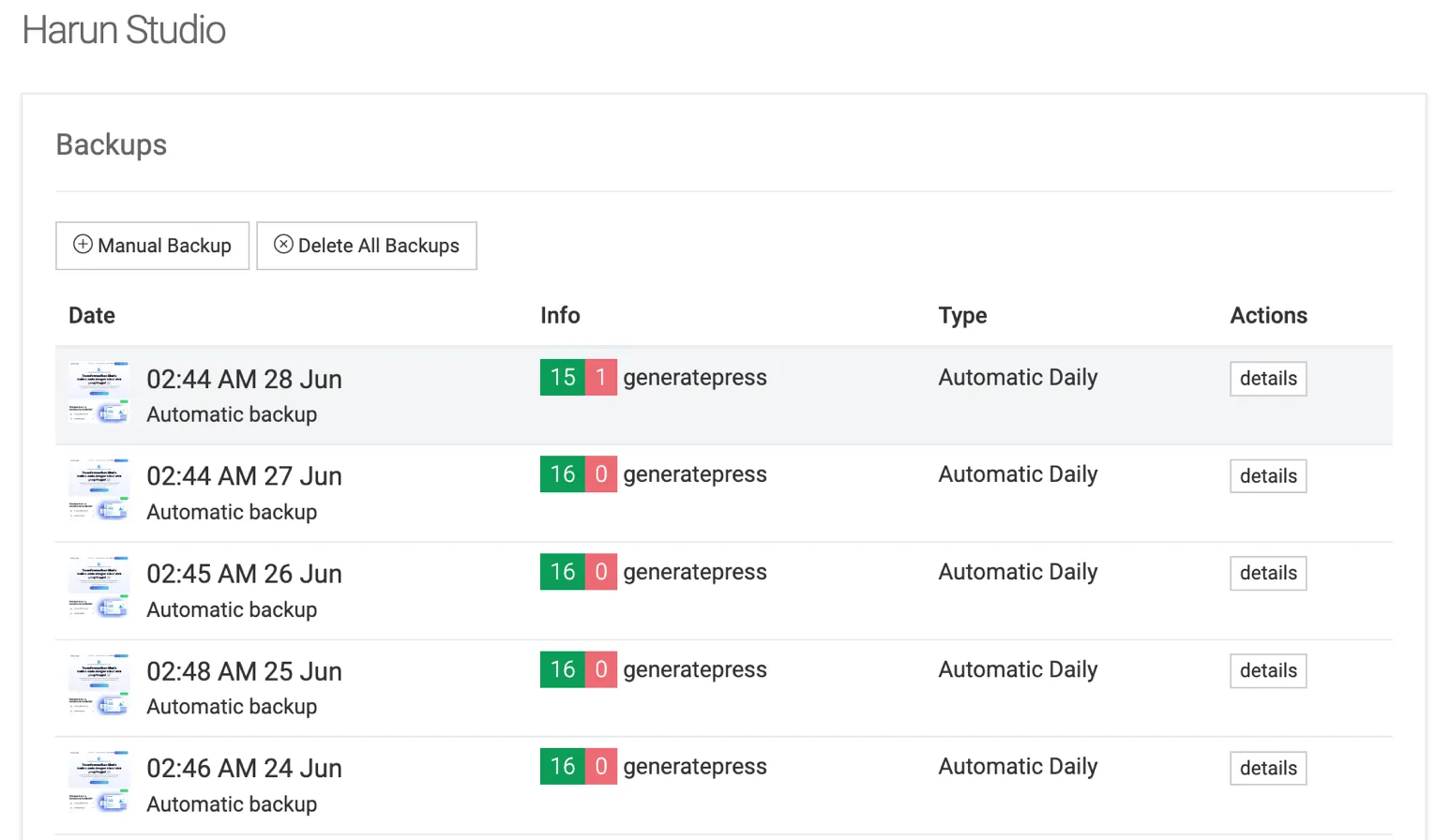
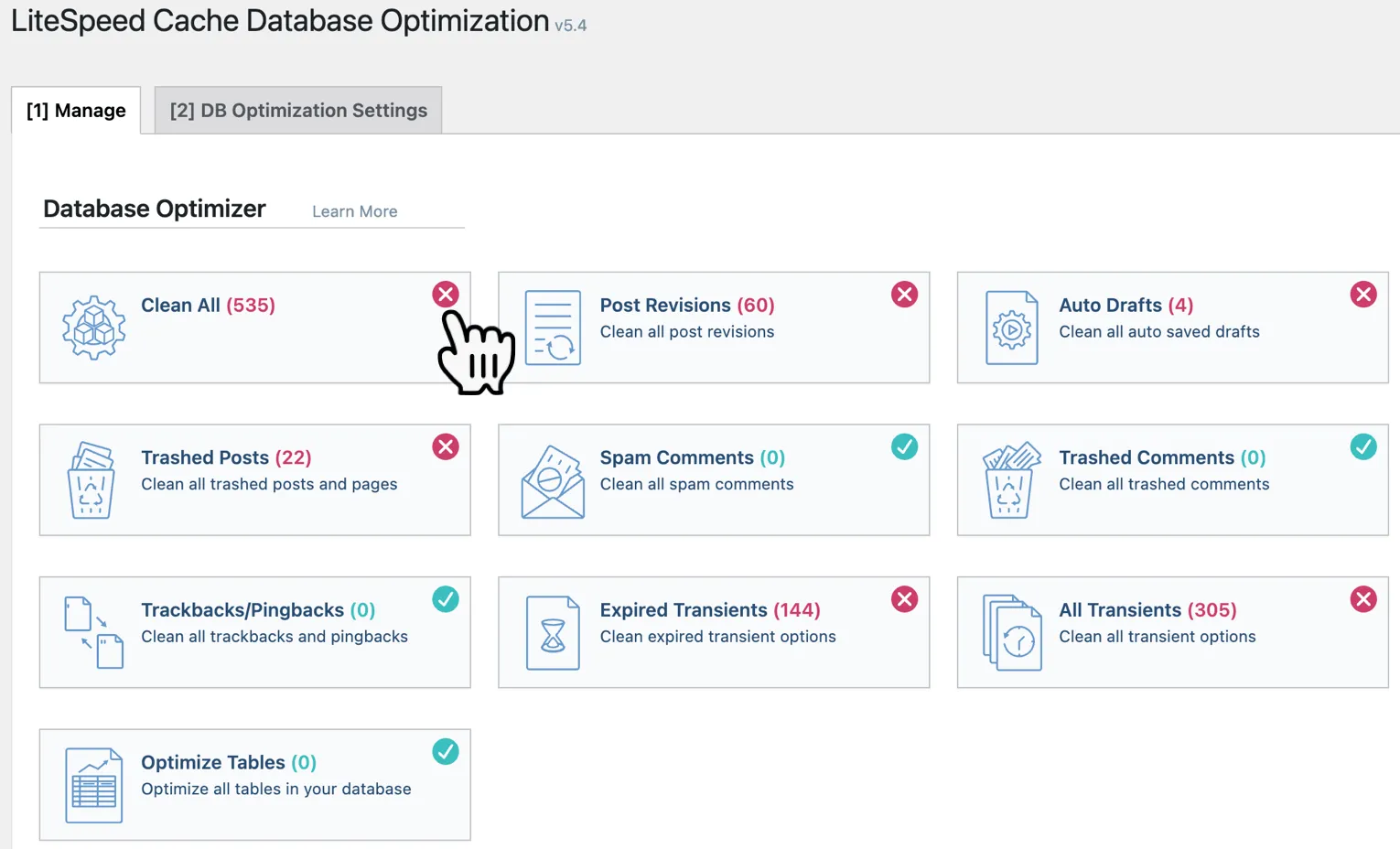
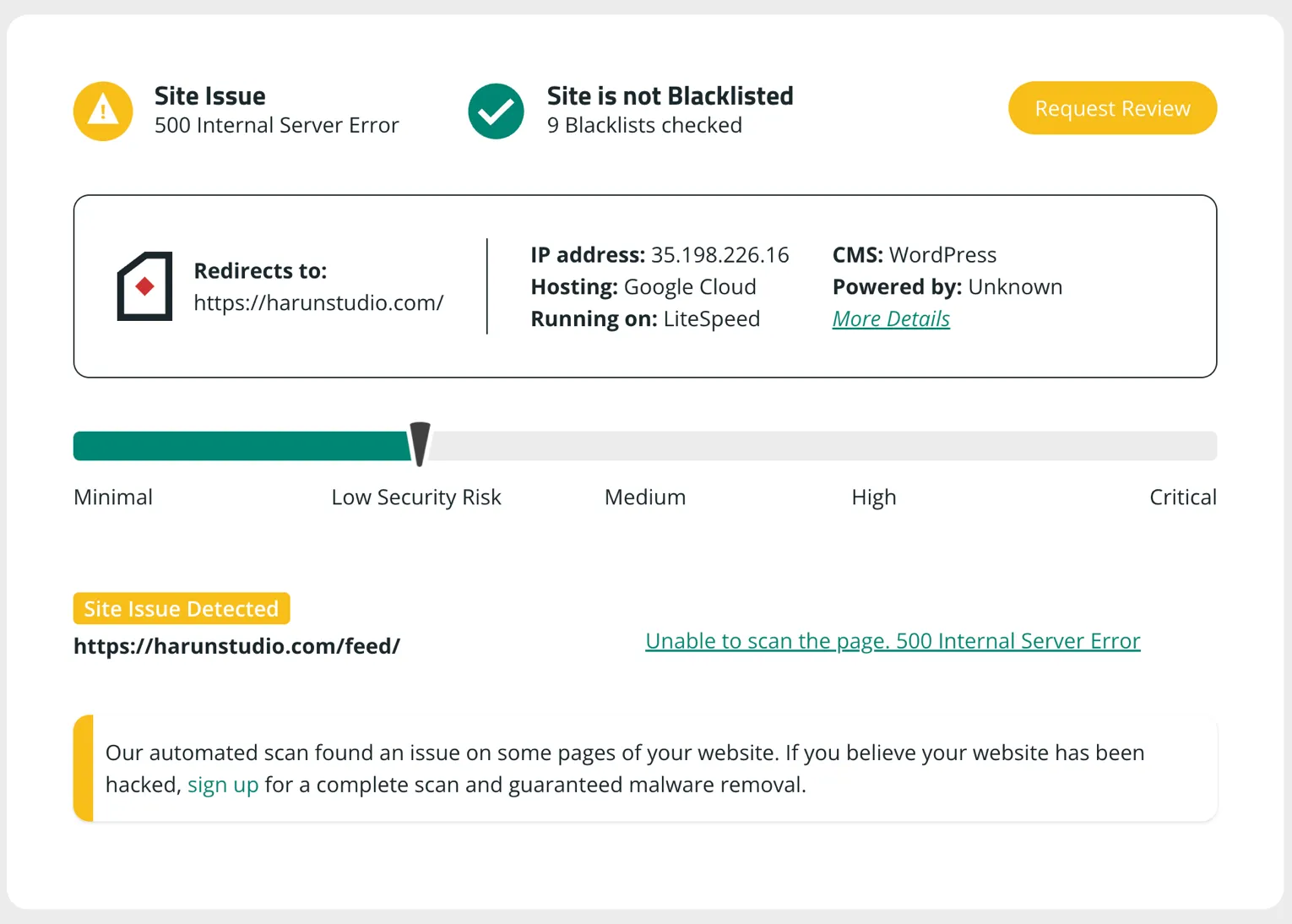
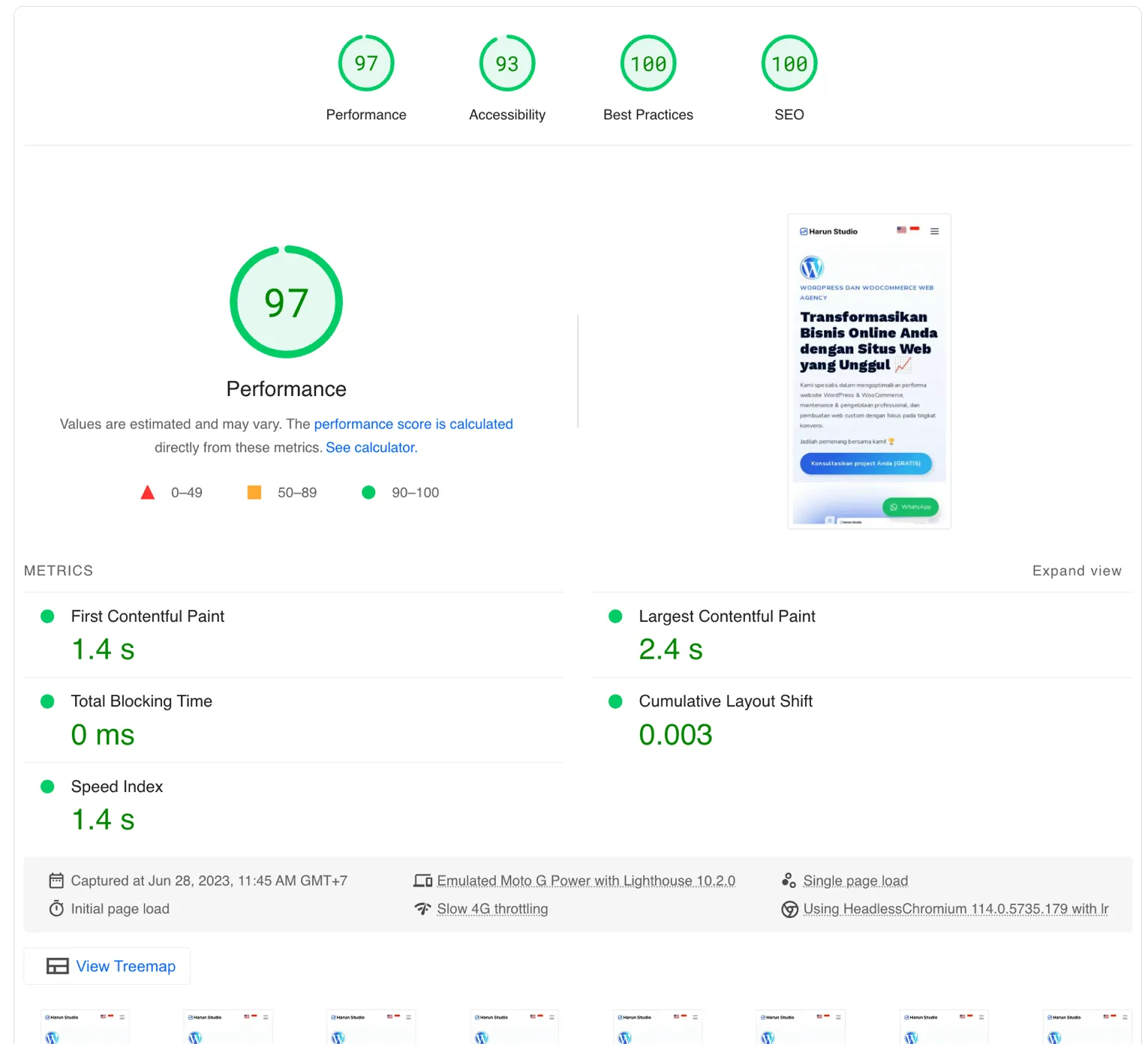
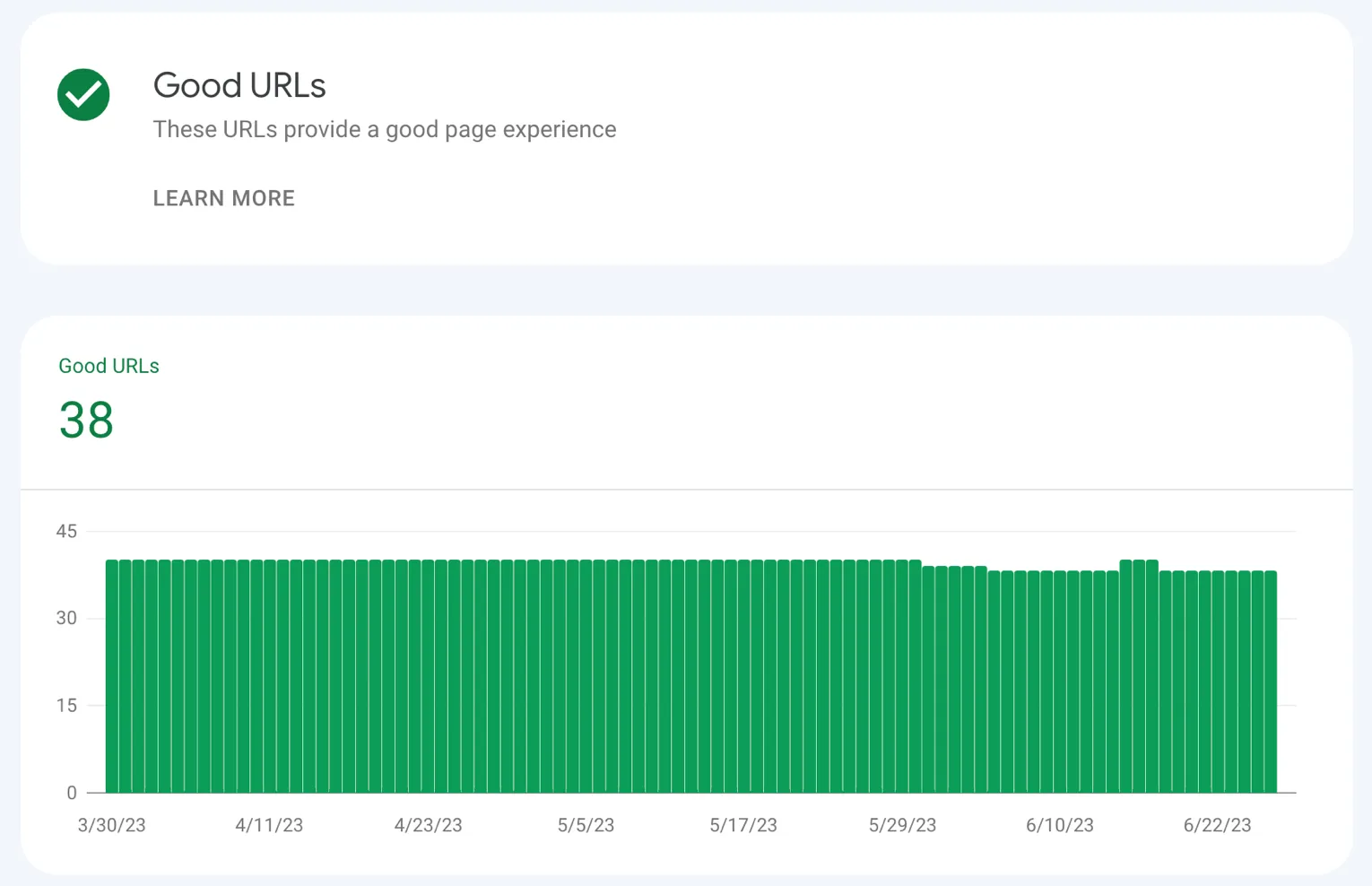
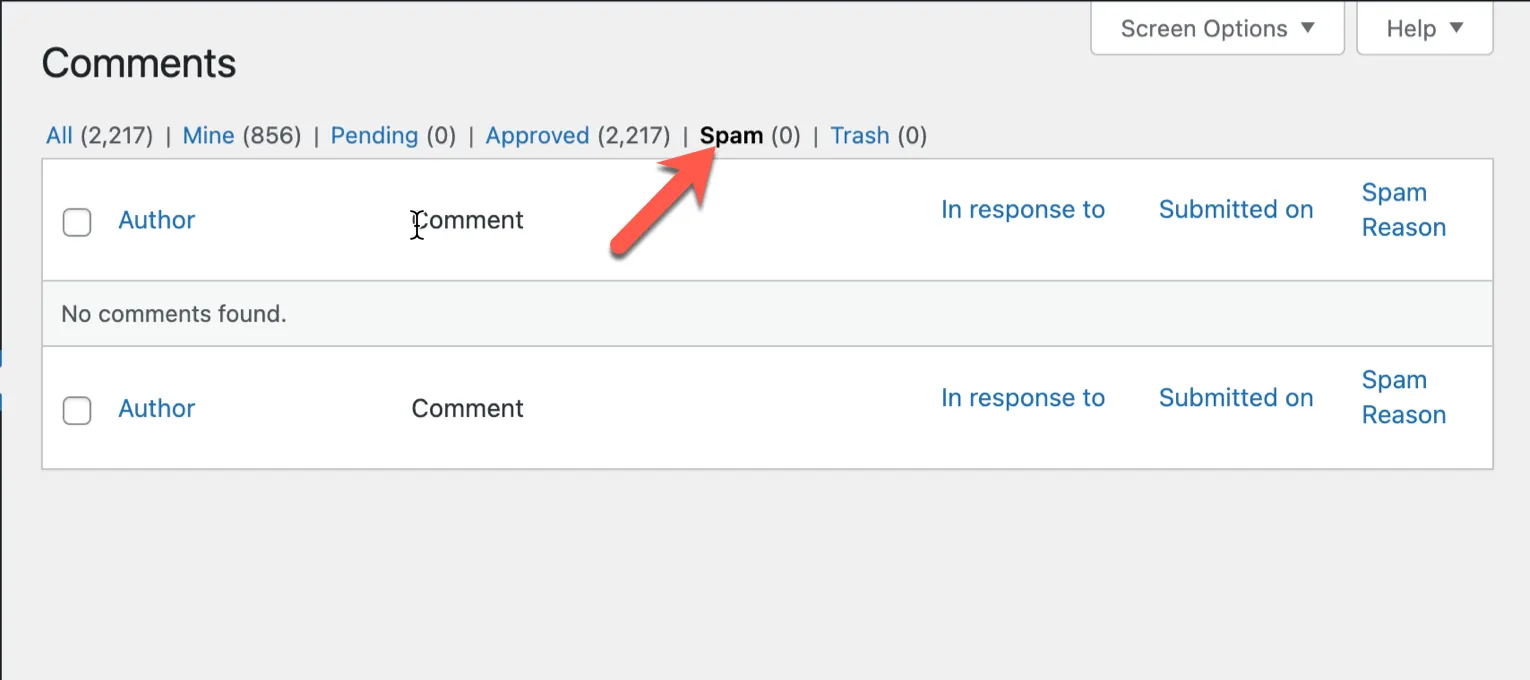
DIY advantages:
DIY disadvantages:
This is usually the best path if you do not have the time, technical skill, or interest to handle all of this yourself. A professional maintenance provider handles the technical side for you.
There are many WordPress maintenance services online, with different pricing models and service quality.
Some offer complete maintenance coverage: performance, security, backups, spam prevention, and monitoring. Others only focus on one area, such as SEO or security.
My recommendation is to choose a maintenance provider that specializes deeply in WordPress. Why?
At least for two reasons:
It is also important to check whether the service includes what you actually need: backups, restore support, strong security, responsive support, and real technical ownership.
And of course, check the pricing honestly. Cheap does not automatically mean good, and genuinely good support usually requires real investment.
Regular WordPress maintenance is essential if you want the website to stay secure and stable.
Maintenance does not just help speed or security. It also protects continuity.
Small improvements done consistently often create the biggest long-term impact.
To make maintenance easier to plan, here is a simple task schedule sorted by frequency:
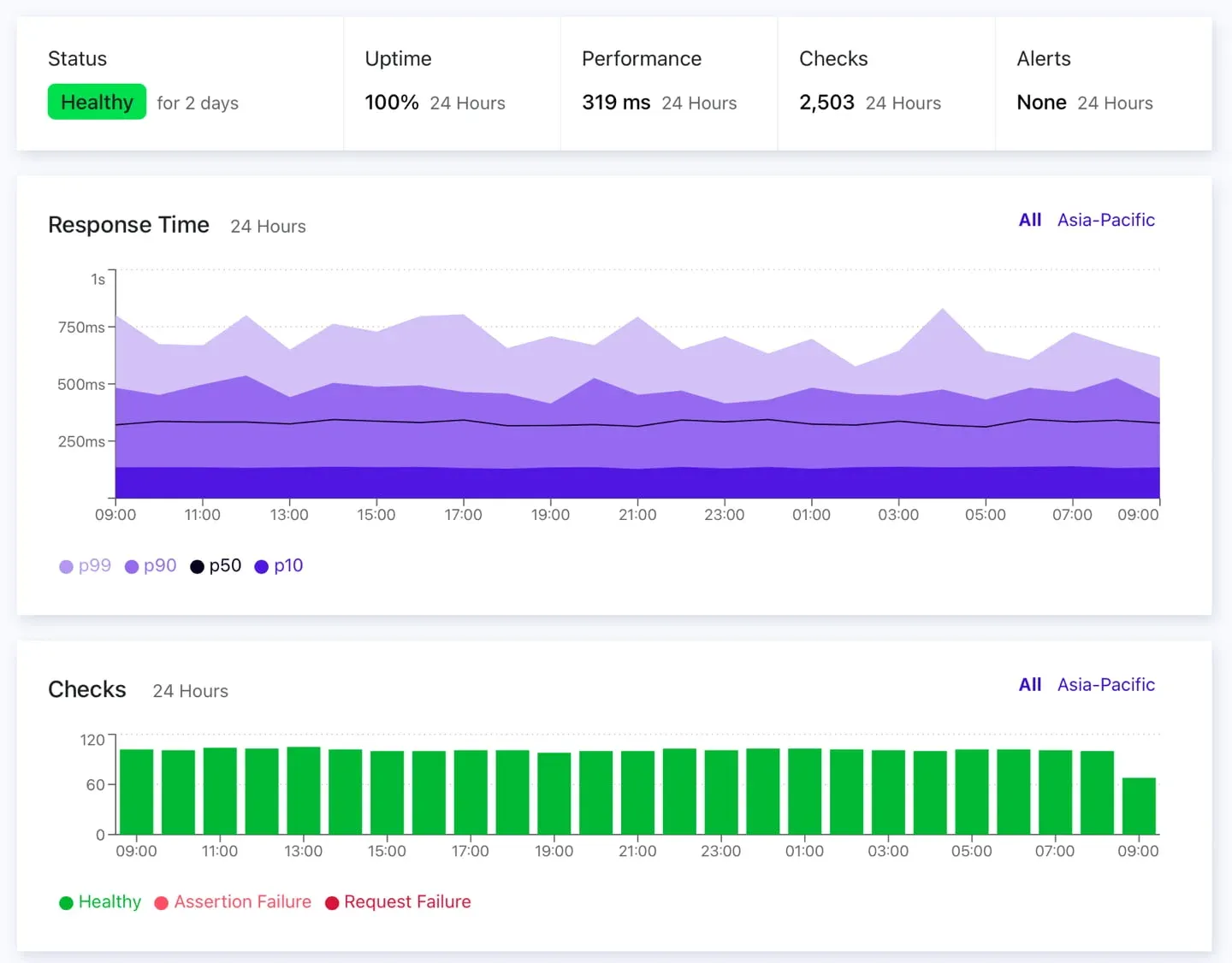
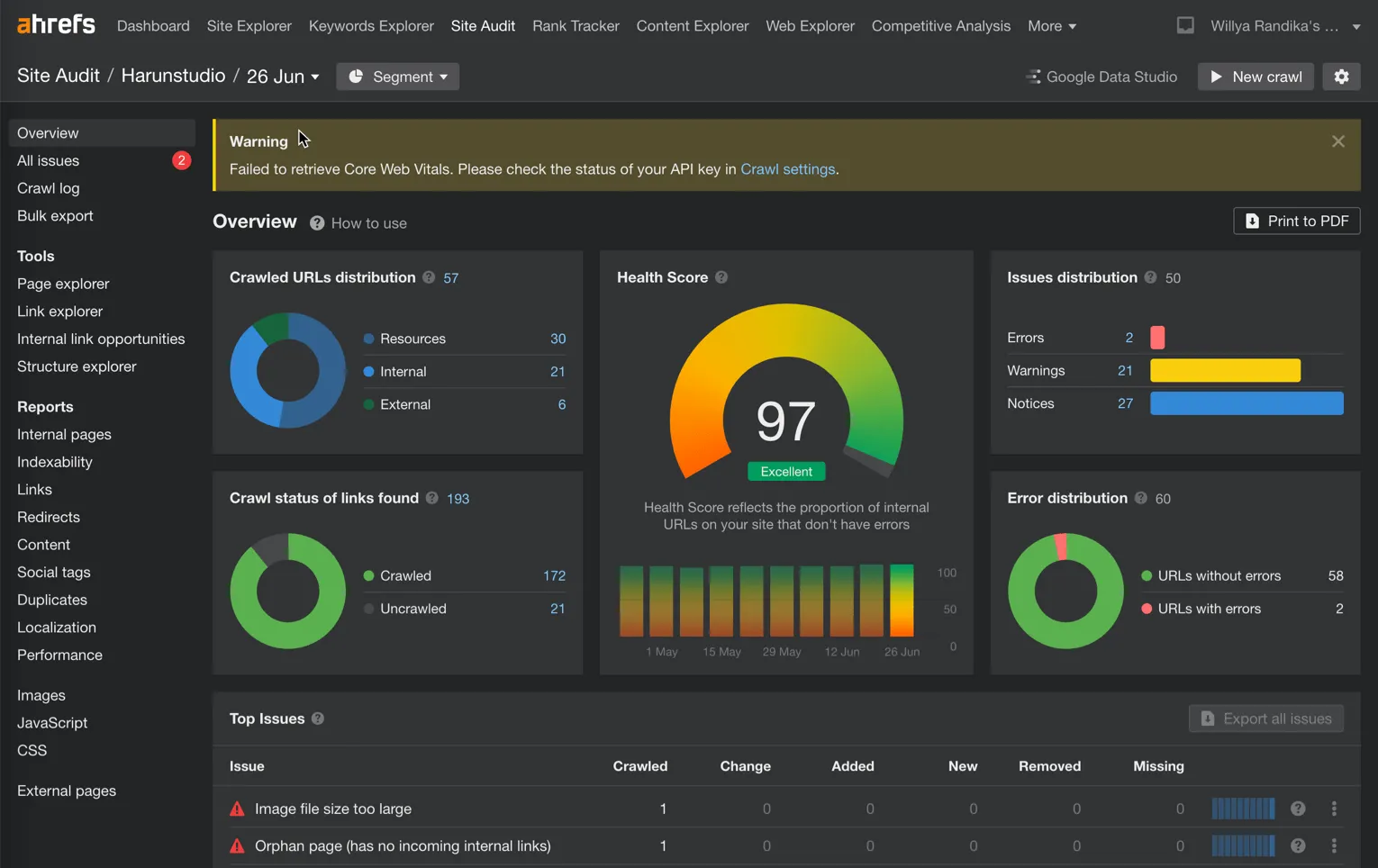
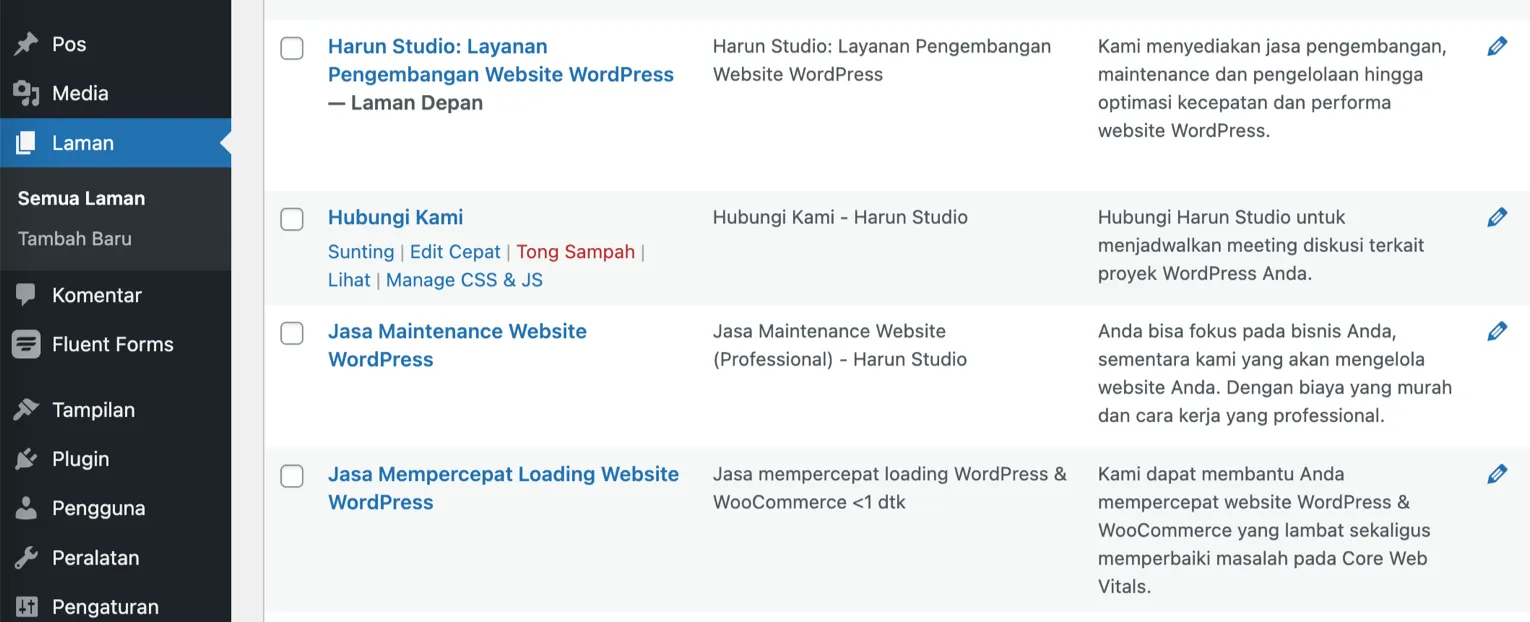
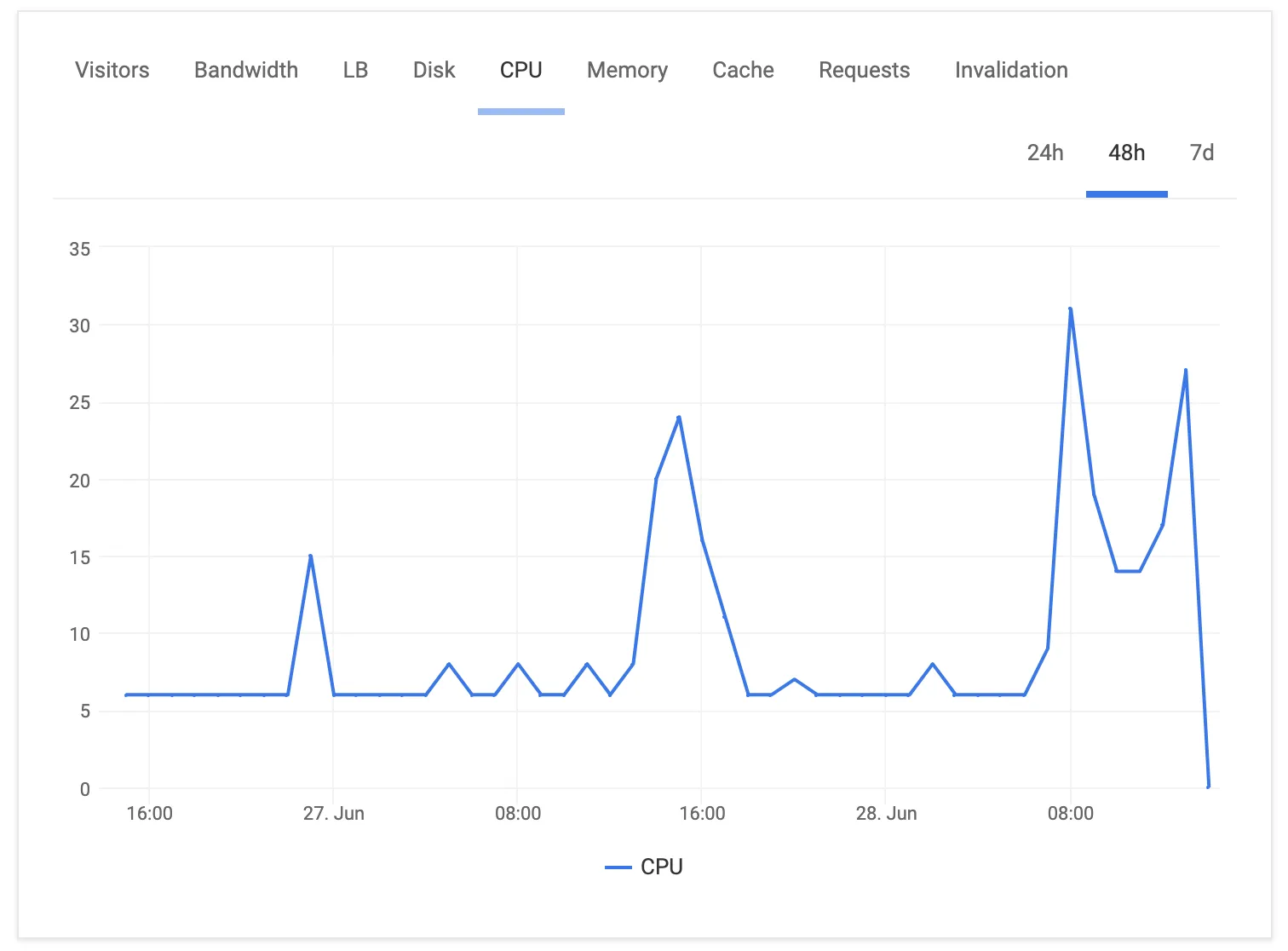
This schedule is only a guide. You should still adjust it based on the actual needs of your website.
The important thing is simple: consistent monitoring and realistic follow-through are what keep a WordPress website healthy.
The answer depends on your needs, technical knowledge, and budget.
If you have the technical skill and the time, manual maintenance can be a good fit.
But if efficiency matters more, or you would rather focus on the business instead of the website, professional maintenance is usually the better investment.
At this point, you should have a clearer understanding of what website maintenance really involves. In short:

Founder of Harun Studio, web developer, blogger, and hosting reviewer. He helps business owners build healthier websites through design, development, and long-term maintenance.
Explore more insights that connect closely with this topic.
Discover five core principles for building a WordPress website that is sustainable, resilient, and ready to adapt to future technology changes.
Explore why WordPress maintenance matters for your website's security, performance, and stability.
Learn how malware can get into your WordPress website, from pirated plugins and leaked credentials to plugin vulnerabilities and weak server security.