
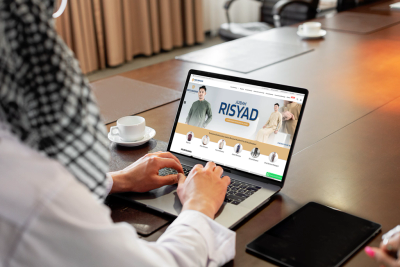
Muslimadani Online Store Redesign - Process and Results
A Muslimadani.id case study: from a slow website to a faster online store that was more conversion-ready through bottleneck auditing, technical optimization, and infrastructure migration.
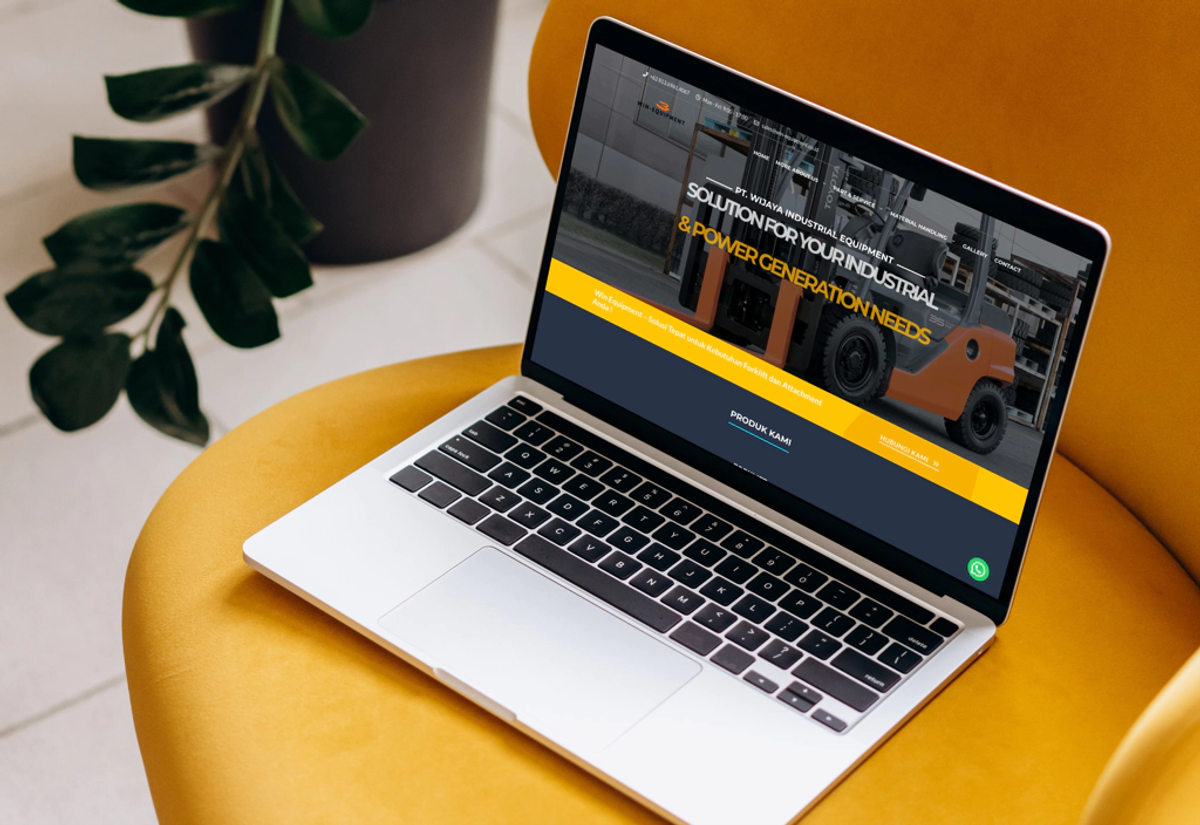
Sometimes the most frustrating projects turn out to be the ones that sharpen our skills the most.
That is exactly how it felt when I received an urgent request from Win Equipment over a weekend. They needed help moving their website from the old CloudNow hosting to Niagahoster shared hosting.
The migration should have taken less than an hour, but this short project became more challenging than I expected. The backup file was quite large, the old hosting had no SSH access, compressing the backup in the public_html directory failed several times, and the download speed was also slow.
In the end, I managed to move the website successfully on the same day. That gave Win Equipment a chance to ask what else could be improved on their site.
During an online meeting, I explained that the website was slow, had several technical SEO issues, and the content was not well optimized.
With the goal of improving user experience and SEO performance, Win Equipment decided to begin a gradual improvement process, starting with the website loading speed.
That became the beginning of a more complete transformation: switching to GeneratePress Premium, converting from WPBakery to Blocks, reducing unnecessary plugins, and moving the hosting to a VPS with proper optimization. Together, those steps brought a major improvement to the site’s stability and performance.
In today’s digital world, website speed is something you simply cannot ignore. Users expect information to load quickly and be easy to access. If a website feels too slow, visitors usually leave and move to a faster alternative.
Win Equipment was facing a serious speed problem. Their PageSpeed Insights scores were only 27 on mobile and 36 on desktop, and the site was failing Core Web Vitals. The website simply took too long to load.
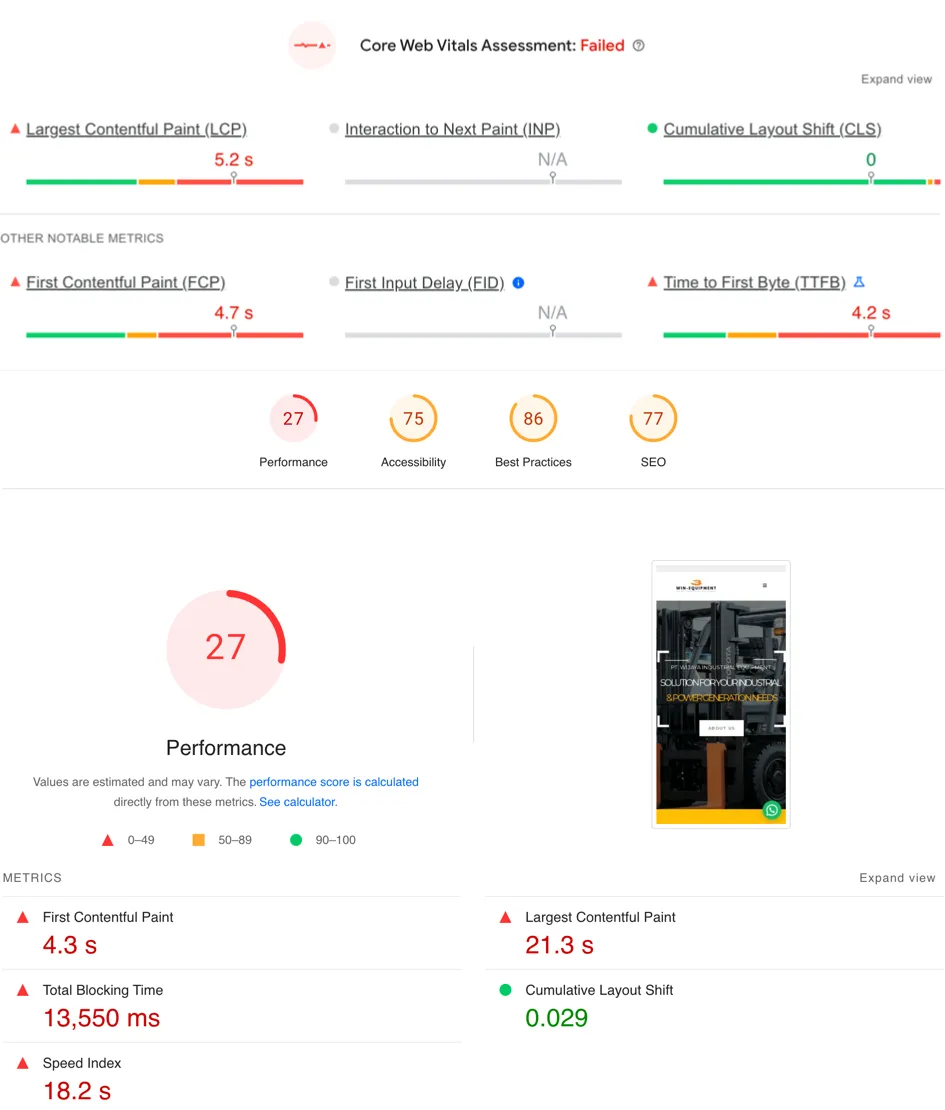
This was not only a user experience issue. It also had a major impact on several key areas of the website’s online presence:
User Experience:
SEO:
Conversion and retention:
Understanding why speed matters was the first step toward fixing it. With a broader optimization approach that included GeneratePress Premium, WPBakery to Blocks conversion, plugin reduction, and VPS migration with proper tuning, we were able to bring major improvements to Win Equipment’s performance and stability.
I started with a comprehensive performance audit to identify every issue affecting website speed. That analysis covered the theme, unnecessary plugins, inefficient code, and non-optimal hosting configuration.
I applied several main strategies to reach the project goal:
I changed the website theme from Structure to GeneratePress Premium. I chose it because GeneratePress is extremely lightweight and speed-focused. I use this theme on all of my own websites and client projects.
I rebuilt all pages using GenerateBlocks and GeneratePress, including the homepage, pages, shop pages, single product pages, blog posts, and archive pages.
This approach reduced plugin usage and removed unnecessary code, making the website lighter and faster.
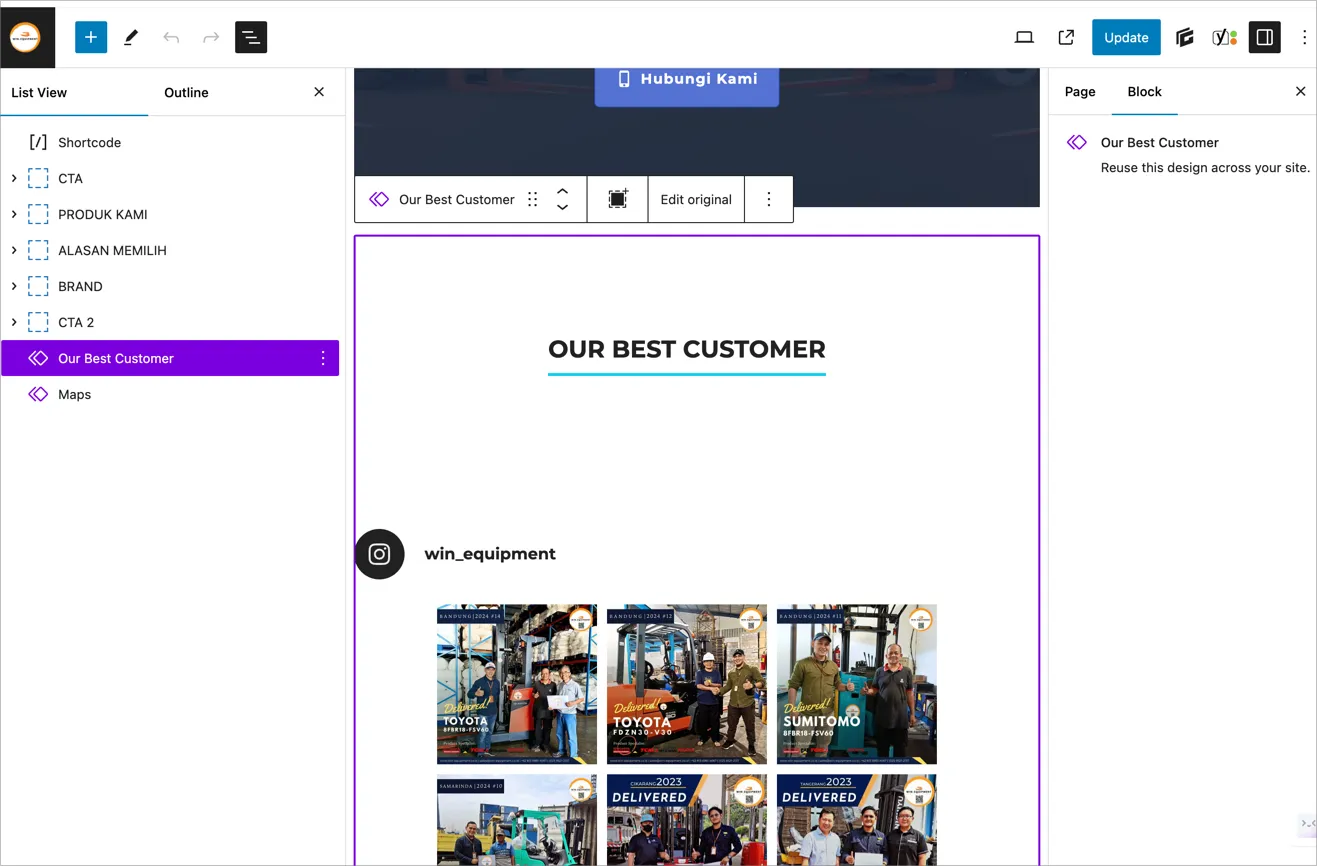
One of the strengths of Blocks is the pattern feature, which lets you sync blocks across multiple pages. When one pattern is updated, the change applies automatically everywhere that pattern is used.
I reduced the plugin count from 43 to 19, keeping only the plugins that were truly needed. That lowered server load and helped the website load faster.
To improve speed even further, I applied several additional optimizations:
Removing unused CSS and JavaScript: using tools like Asset Manager and Debloat to identify and remove unused assets.
Server-level caching: using FastCGI cache to store dynamic page copies and reduce server load.
PHP-FPM optimization: adjusting PHP-FPM configuration to improve PHP processing performance.
Switching the slider plugin from Revolution Slider to a lighter and faster option, Smart Slider 3.
I moved the website from shared hosting to a VPS using a LEMP stack: Linux, Nginx, MySQL, and PHP. This gave much better performance and greater control over server configuration. I also built bash scripts for automatic backup and restore, and provided staging and development environments.
The backup system looked like this:
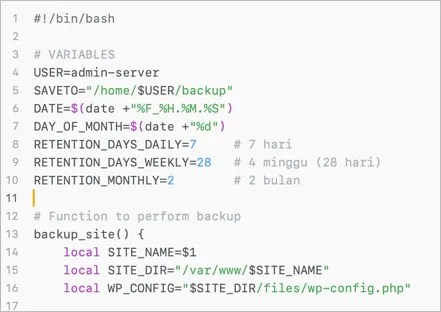
When a restore is needed, the client can choose from the available backup files, including daily, weekly, monthly, and manual backups, using just one terminal command. The restore process is very fast and usually takes less than 5 minutes.
Ninja Firewall installation: I installed Ninja Firewall to help protect the website from security threats and configured it to match the VPS server setup.
Additional server-level security: I also applied extra hardening on Nginx, MariaDB, PHP, and the firewall for stronger protection.
The performance improvement was significant:
| Metric | Before Optimization | After Optimization | Improvement (%) |
|---|---|---|---|
| Mobile PageSpeed score | 27 | 92 | 240.74% |
| Desktop PageSpeed score | 36 | 99 | 177.78% |
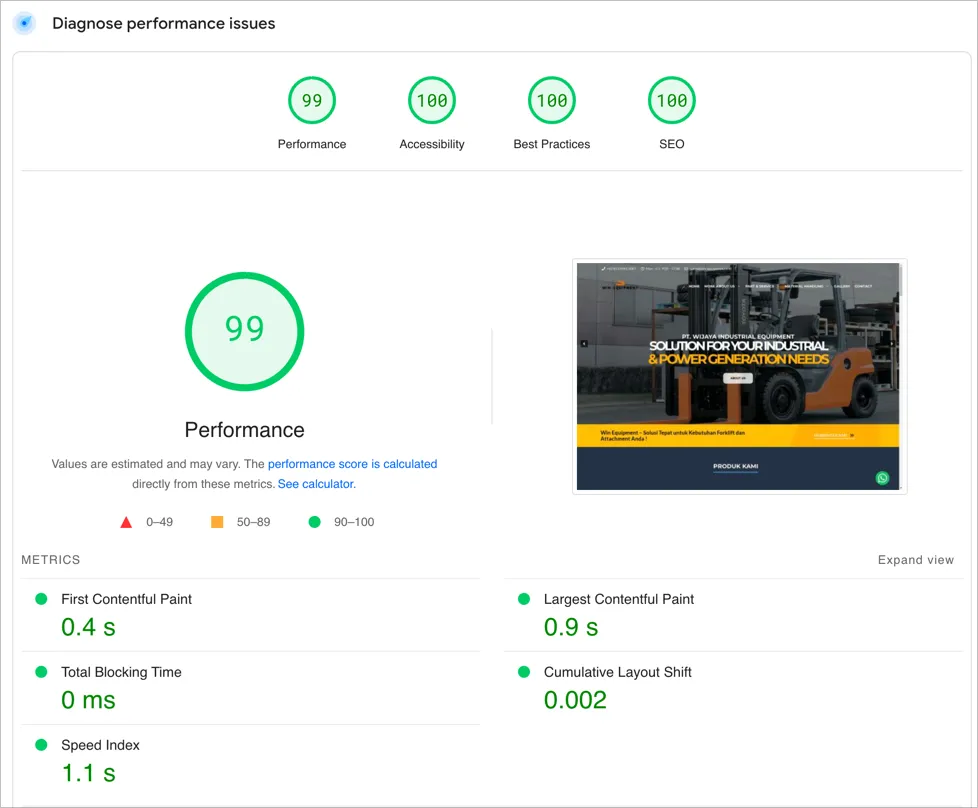
Faster page loading gave visitors a better experience and reduced bounce rate.
Improved security made the website safer from external threats thanks to the hardening steps.
Better operational efficiency came from fewer plugins and server optimization, which reduced server load and improved stability.
I also applied additional optimizations to improve other metrics, including Accessibility, Best Practices, and SEO.
If your website is slow, takes too long to load, or has technical SEO issues, we can help.
Learn how our optimization strategy can significantly improve your website speed, user experience, and SEO visibility.
You can explore WordPress speed optimization or WordPress blocks conversion if your site is still using a heavy page builder.

Founder of Harun Studio, web developer, blogger, and hosting reviewer. He helps business owners build healthier websites through design, development, and long-term maintenance.
Explore more insights that connect closely with this topic.
A Muslimadani.id case study: from a slow website to a faster online store that was more conversion-ready through bottleneck auditing, technical optimization, and infrastructure migration.
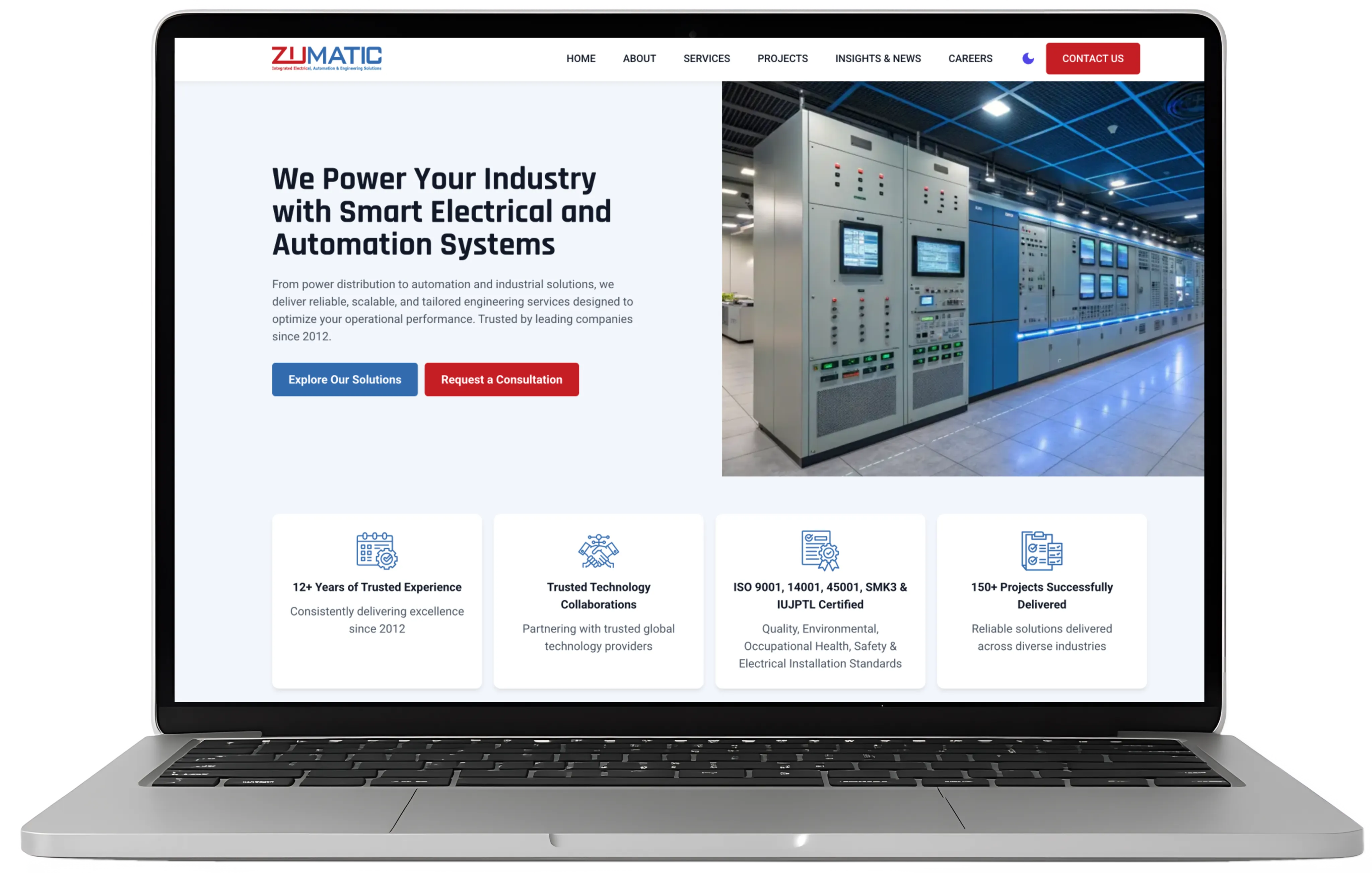
A case study on PT Zumatic: mobile performance improved from 53 to 93 and desktop from 81 to 100 through technical auditing, WordPress performance optimization, and a much simpler content workflow.
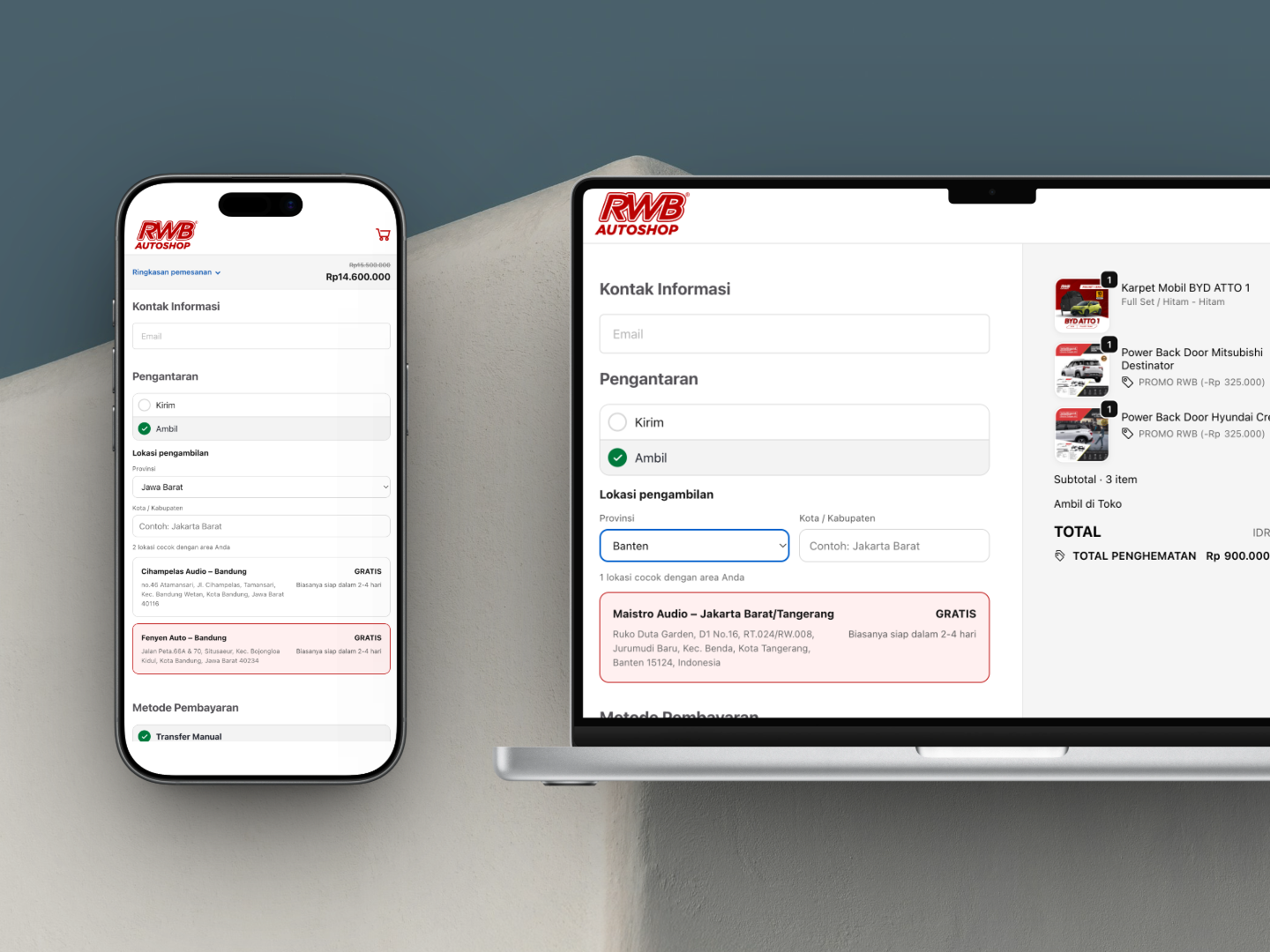
An RWB Auto Shop case study: a WooCommerce checkout redesign built on Fluid Checkout Lite plus custom PHP, JavaScript, and CSS for a more premium checkout experience.