

Why Your Website Still Feels Slow Even When PageSpeed Is Green
A green PageSpeed score does not always mean a website is truly fast for real users. Learn why your site can still feel slow even when the test looks good.
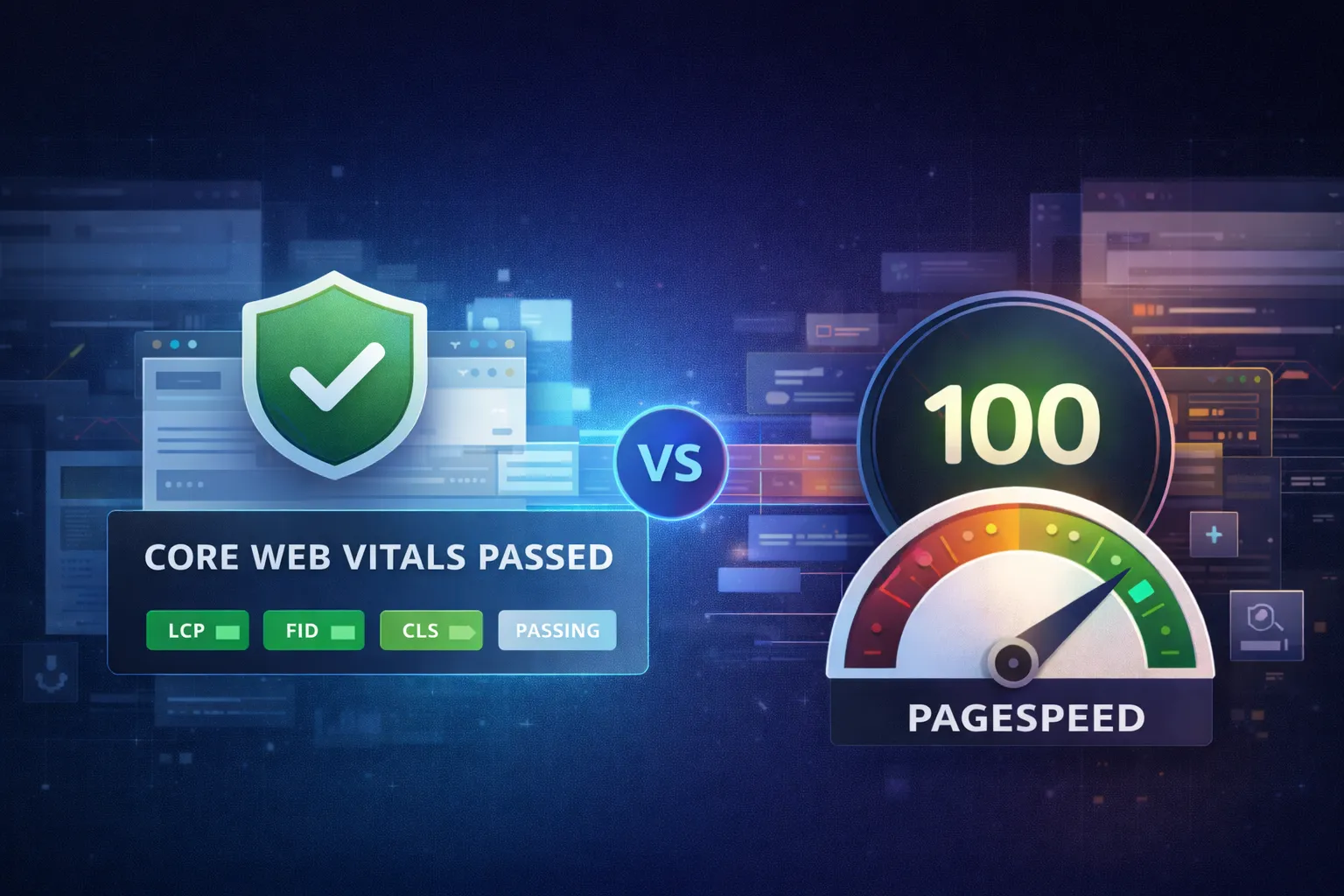
Have you ever opened PageSpeed Insights and immediately focused on one big number in green, yellow, or red?
If yes, you are not alone.
Many website owners think website performance can be reduced to one thing: the PageSpeed score.
If the score is high, the site must be fast.
If the score is low, the site must be slow.
If it is not 100, then it must still be bad.
In reality, it is not that simple.
This is one of the most common misconceptions I see when auditing WordPress websites or helping clients improve performance. People stop too early at the score, while the more important question is what the user actually feels when they open the site.
That is why the difference between Core Web Vitals and PageSpeed score matters.
If your website feels slow, do not start by chasing a number. Start by understanding the bottleneck. If you want help mapping it, see WordPress speed optimization, website hosting, or start with a free consultation.
I understand why PageSpeed score is so easy to obsess over.
The number is clear. The color is bold. The presentation feels like a report card.
Psychologically, it is easy to think like this:
The problem is that websites do not live in a sterile lab.
They live in:
So if we want to talk about website speed seriously, we need to separate two things:
They may look similar, but their purpose is different.
The performance score in PageSpeed Insights comes from Lighthouse.
Lighthouse is a lab-based performance audit. That means Google runs a controlled set of tests on your page to check signals like:
In short, the score is very useful for:
I do not think PageSpeed score is unimportant.
What I think is wrong is treating it as the only definition of a fast website.
Lighthouse is better used as a diagnosis tool, not the final verdict.
Core Web Vitals is different.
It is not just a simulated lab result. It is a measurement that is much closer to real user experience.
The three main metrics today are:
The current “good” targets are:
LCP <= 2.5 secondsINP <= 200 msCLS <= 0.1What people often miss is that the pass/fail status is based on the 75th percentile of real user experience, and the data is rolling over a 28-day window.
That means Core Web Vitals is not asking:
“Can this page look fast in one ideal test?”
It is much closer to asking:
“Are most real users actually getting a good experience when they open this website?”
For business, I think that second question matters more.
If I had to choose only one, I would choose:
Core Web Vitals Passed
Why?
Because the goal is not a pretty screenshot. The goal is a good experience for real users.
A healthy website should:
Core Web Vitals is closer to those outcomes.
PageSpeed score helps me understand why the site performs the way it does and where to improve.
So in practice, the relationship is better understood like this:
They are not enemies. They are not the same thing either.
This is the part I think every business owner should understand.
A website that feels fast in the real world will not always get a score of 100.
Why?
Because real business websites often include:
All of that can reduce Lighthouse score even when the overall user experience is still healthy.
In many WordPress projects, I am actually happy to see results like:
At that point, we are optimizing for reality, not just for a perfect number.
This is also important.
You can look at a very high PageSpeed result today, but the real user experience over the last 28 days may not be as good.
Why?
Because real users open your site in conditions that are not identical to a lab test:
So if someone becomes too satisfied just because they saw a score of 100, I usually want to ask:
What does the field data say?
If Core Web Vitals has not passed yet, then there is still a real problem being felt by real users, even if the lab test looks great.
When I audit a website, I do not start from the performance score.
I usually read it in this order:
If the status is Passed, that is a good sign.
If the status is Failed, I do not celebrate just because other numbers look nice. It means real users are still not getting a good enough experience.
I want to see:
At this stage, I can usually start guessing where the bottleneck is: server, rendering, assets, interaction, or layout stability.
This is where performance score becomes useful.
I use it to check:
In other words, the PageSpeed score helps me fix problems, but it is not the only measure of whether the site is fast enough.
When working on business websites, my priority usually is not “how do we get 100?”
My priority is more like this:
In many WordPress sites, the biggest problem is not design. It is:
That is why a lot of performance gains come from improving hosting or reworking the server foundation first, not from a full redesign.
If the main bottleneck is really the server, resources, or a weak hosting setup, it is usually better to start there. For that kind of need, I also provide website hosting for business websites that need stable performance and personal support.

Founder of Harun Studio, web developer, blogger, and hosting reviewer. He helps business owners build healthier websites through design, development, and long-term maintenance.
Explore more insights that connect closely with this topic.
A green PageSpeed score does not always mean a website is truly fast for real users. Learn why your site can still feel slow even when the test looks good.
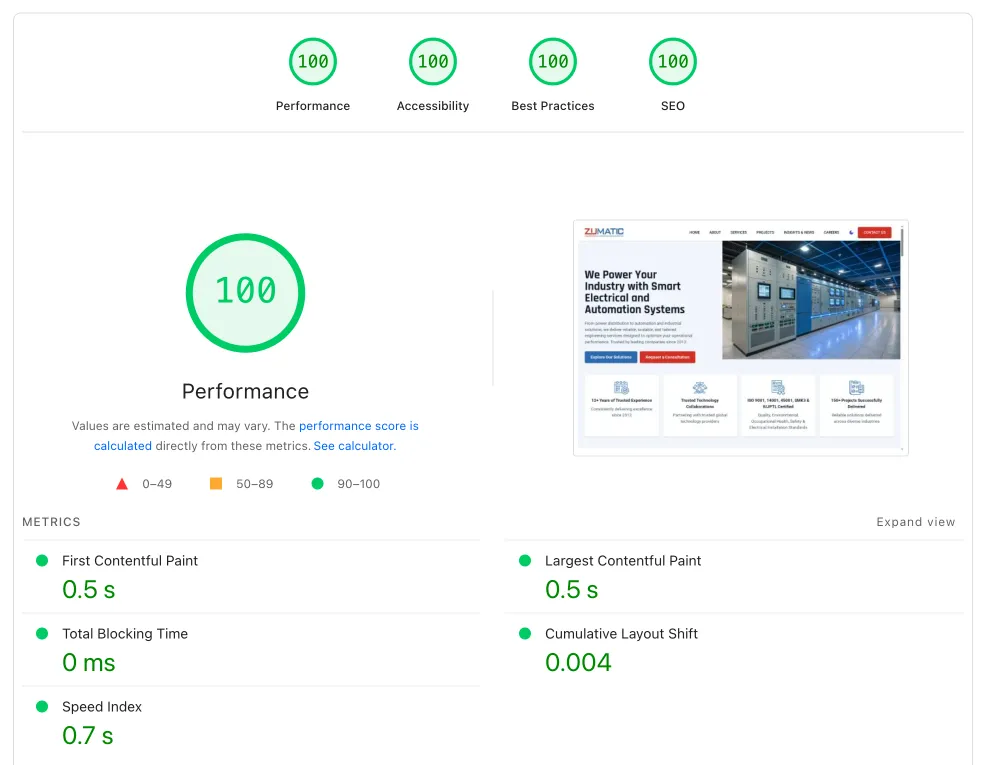
A deep analysis of Core Web Vitals in 2025 with a real PT Zumatic case study: 75.47% mobile performance improvement, 23.46% desktop improvement, and 48.95% faster load time.
Slow website, frequent errors, heavy dashboard, and unhelpful hosting support? The problem may not be WordPress itself, but a hosting foundation that no longer fits.